Spot it in Figma, not in code
I created a debug mode for Loop, BT Group’s design system: one switch in Figma that shows which parts of a design use Loop, and which don’t. No plugin, no approvals, for anyone who can edit a file.
-
350+
People using it every month, not just designers
-
4+ hrs
Saved a week, no Loop crits across tribes
-
131
Designers spotting what’s left to migrate
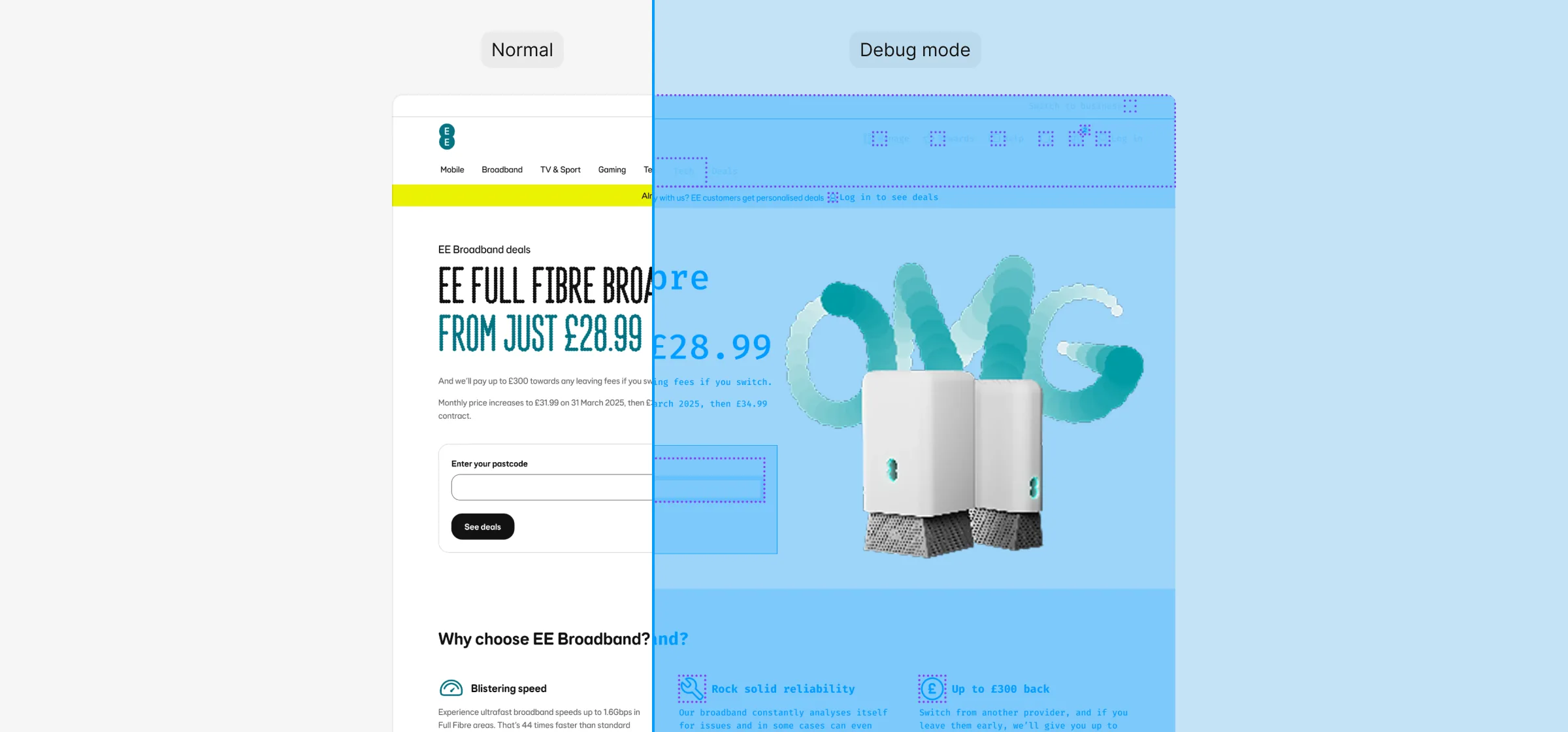
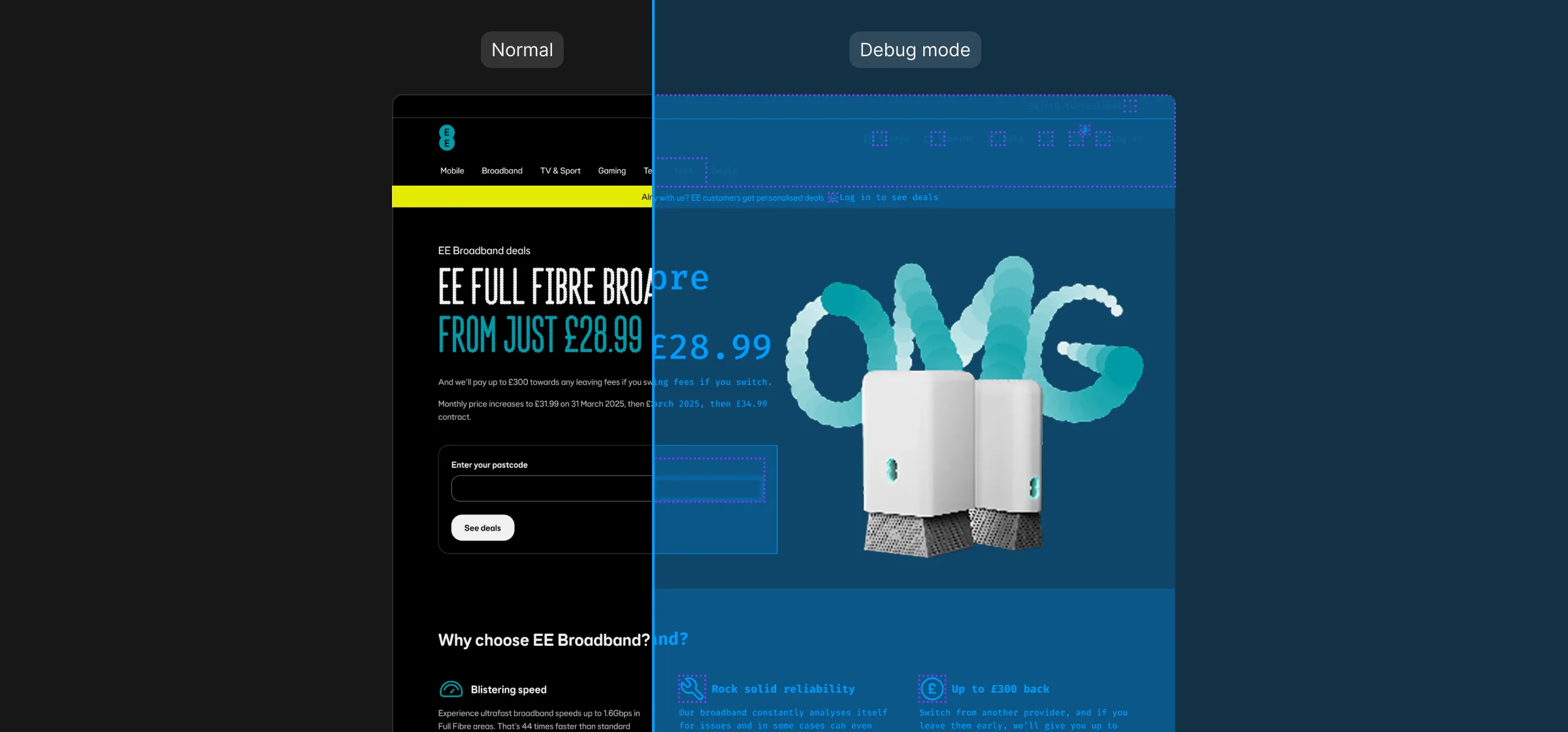
Off-system looked just like on-system
Loop is used by over 650 people across BT, EE and Plusnet. In a busy Figma file, a hard-coded colour or an old component looks exactly the same as the real thing, so crits and sign-off meant tediously checking layer by layer, and wrong tokens and hard-coded values still slipped through to developers.
Plugins could help, but in an organisation as big as BT Group, any plugin made by a user has to be approved before it can be shared, and only some people could use it. A headache for everyone.
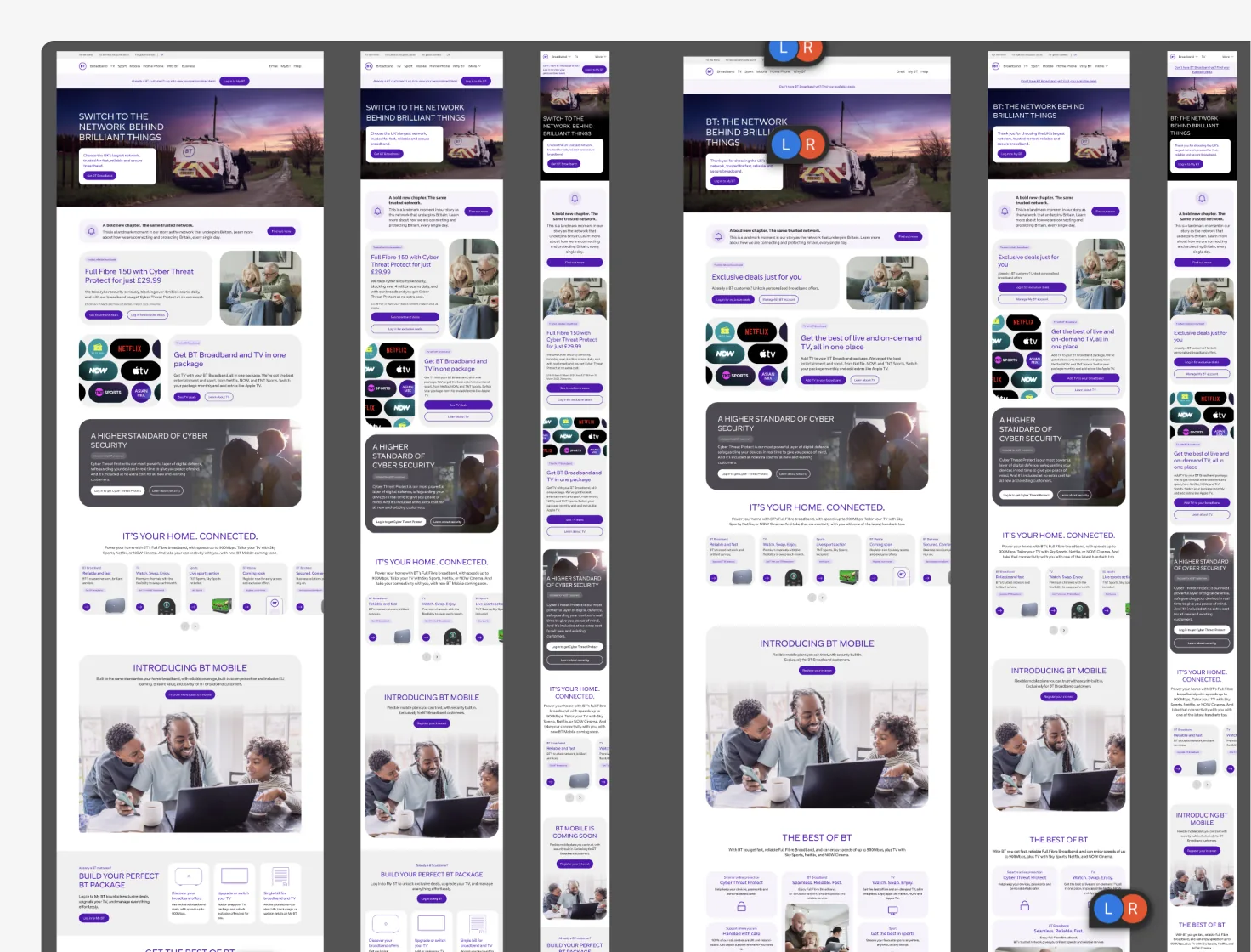
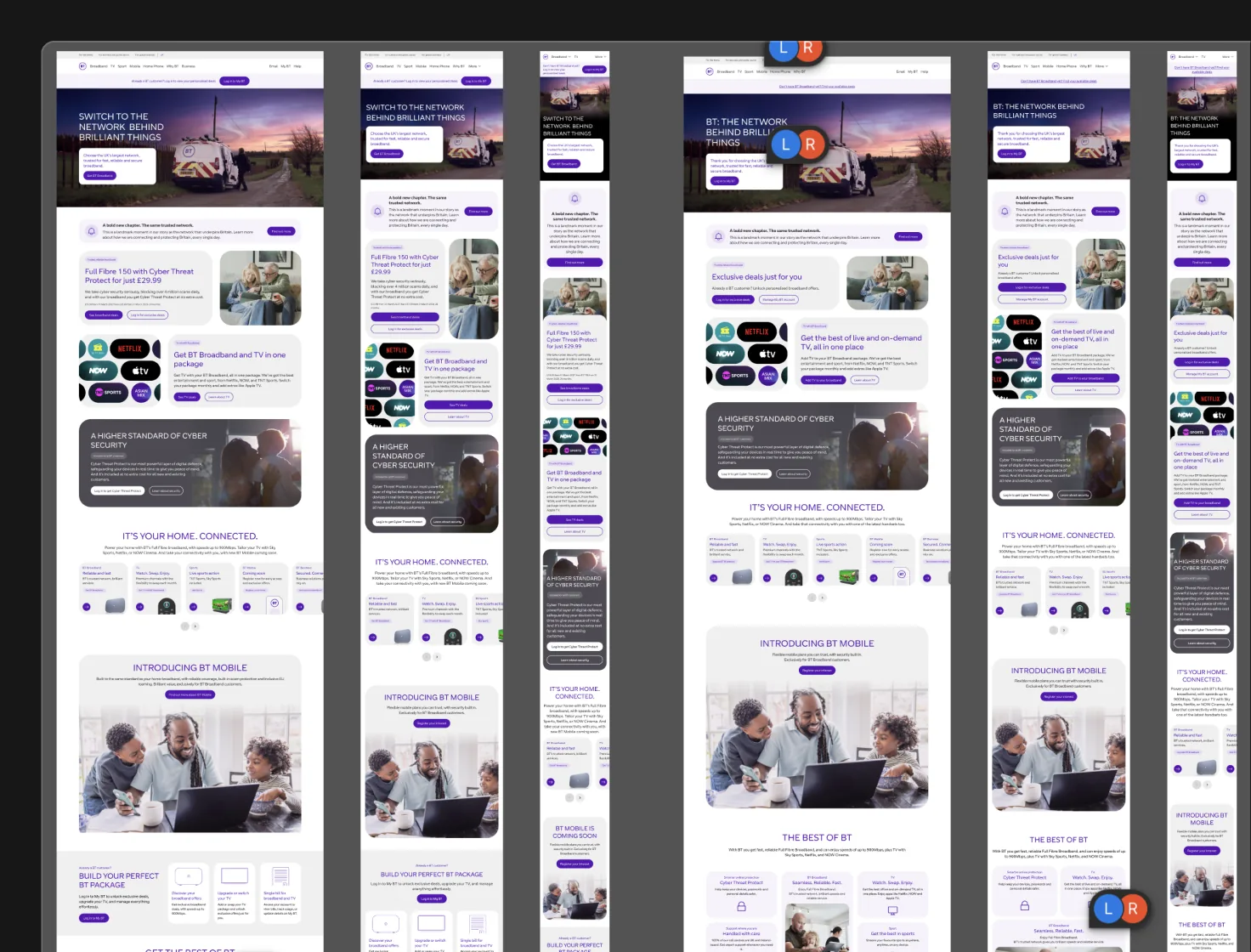
The brief
How might we let anyone see, at a glance, whether their design is really using Loop?
My idea, built single-handedly: I wanted to save time in crits and sign-off, and stop incorrect tokens and hard-coded values being sent to developers.
Success looked like
- Anyone with Figma edit access can use it, not just designers
- No third-party plugin, nothing to approve
- Old and off-system parts are easy to spot
Constraints
- Has to work across BT, EE and Plusnet
- Design only: must never reach the live product
- Figma can’t tell when a component is detached
Build it into the system, not on top of it
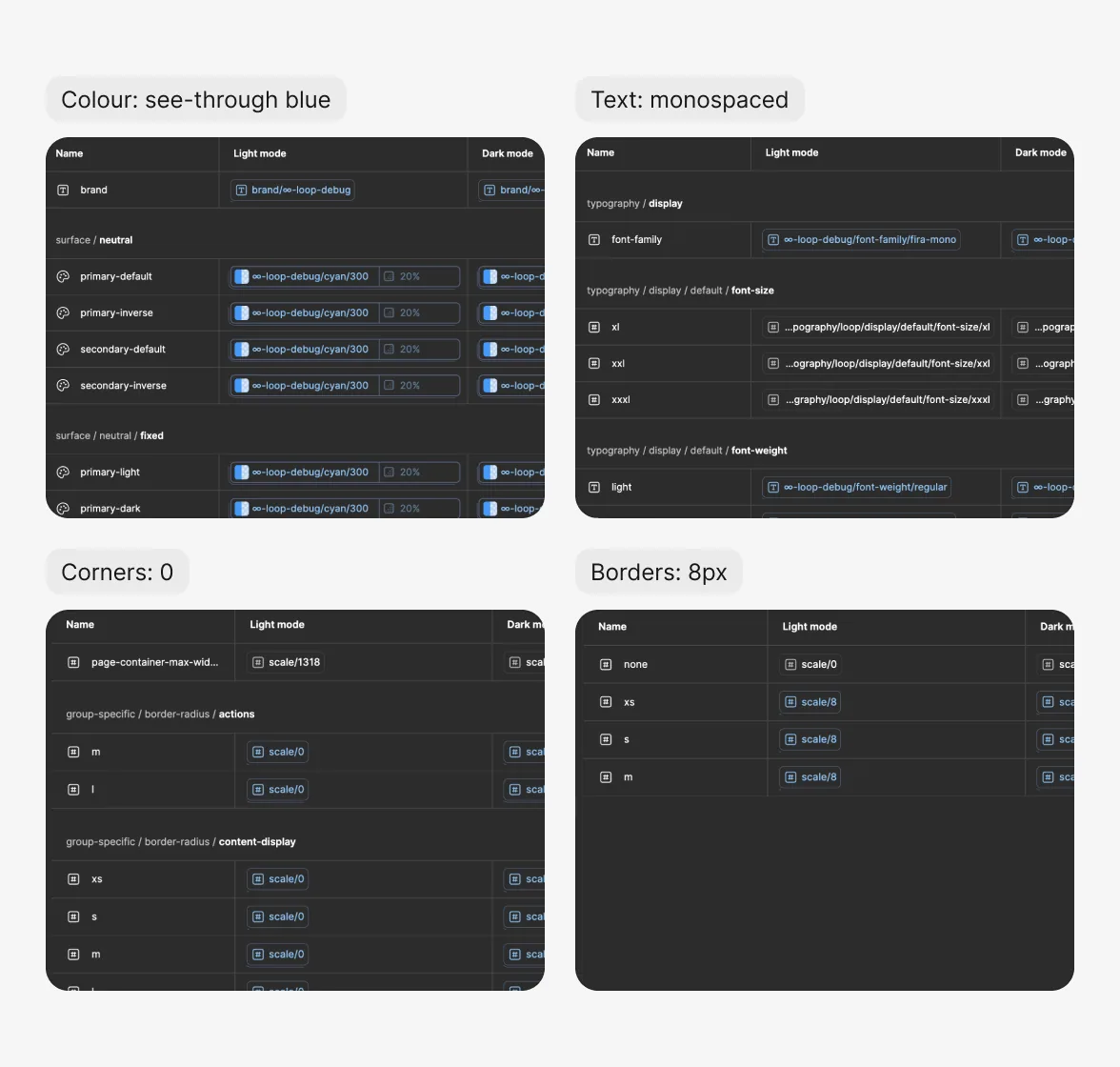
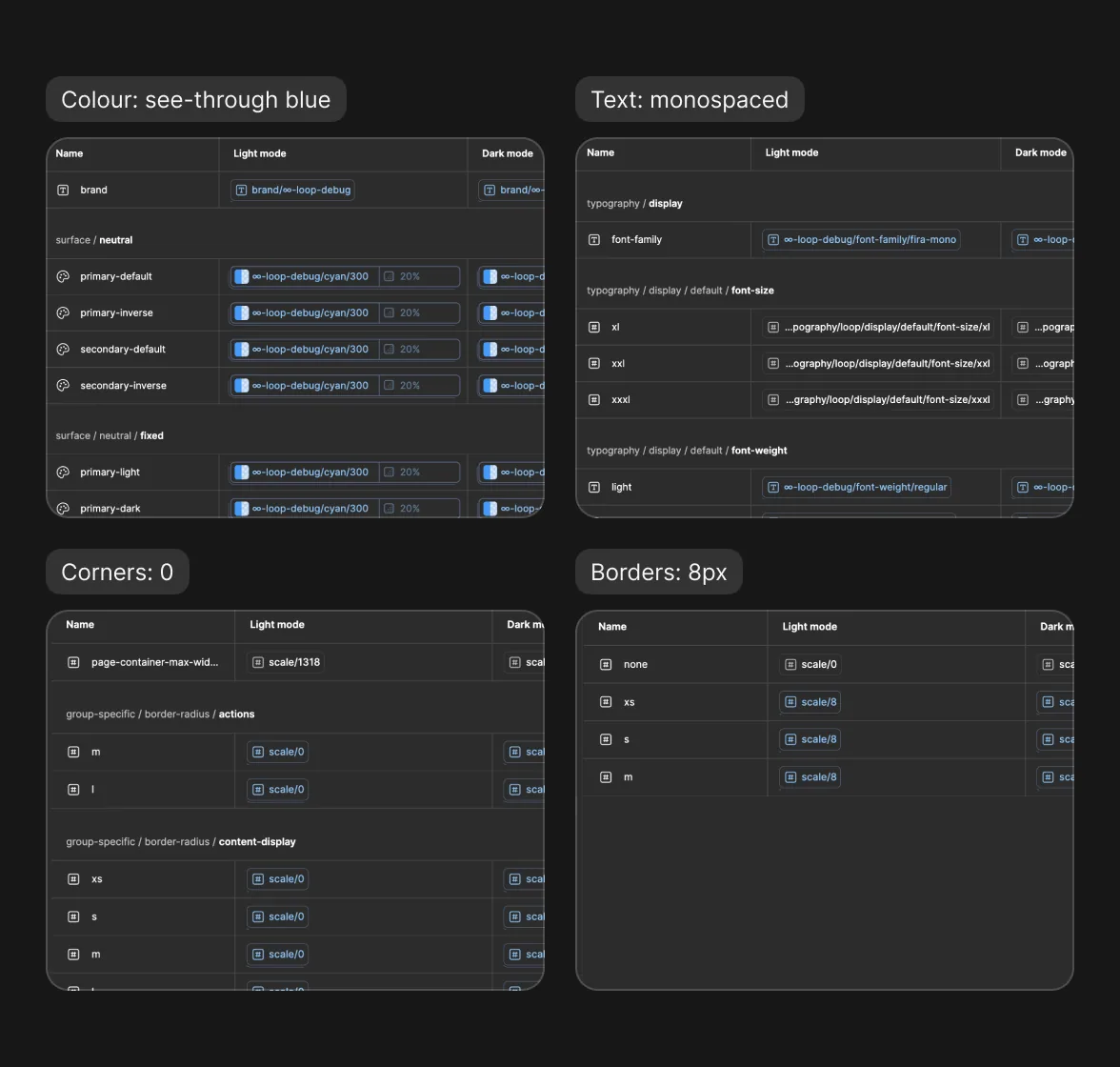
Instead of a separate tool, Debug mode lives inside Loop itself, in the variables and components designers already use every day.
-
Add a Debug mode
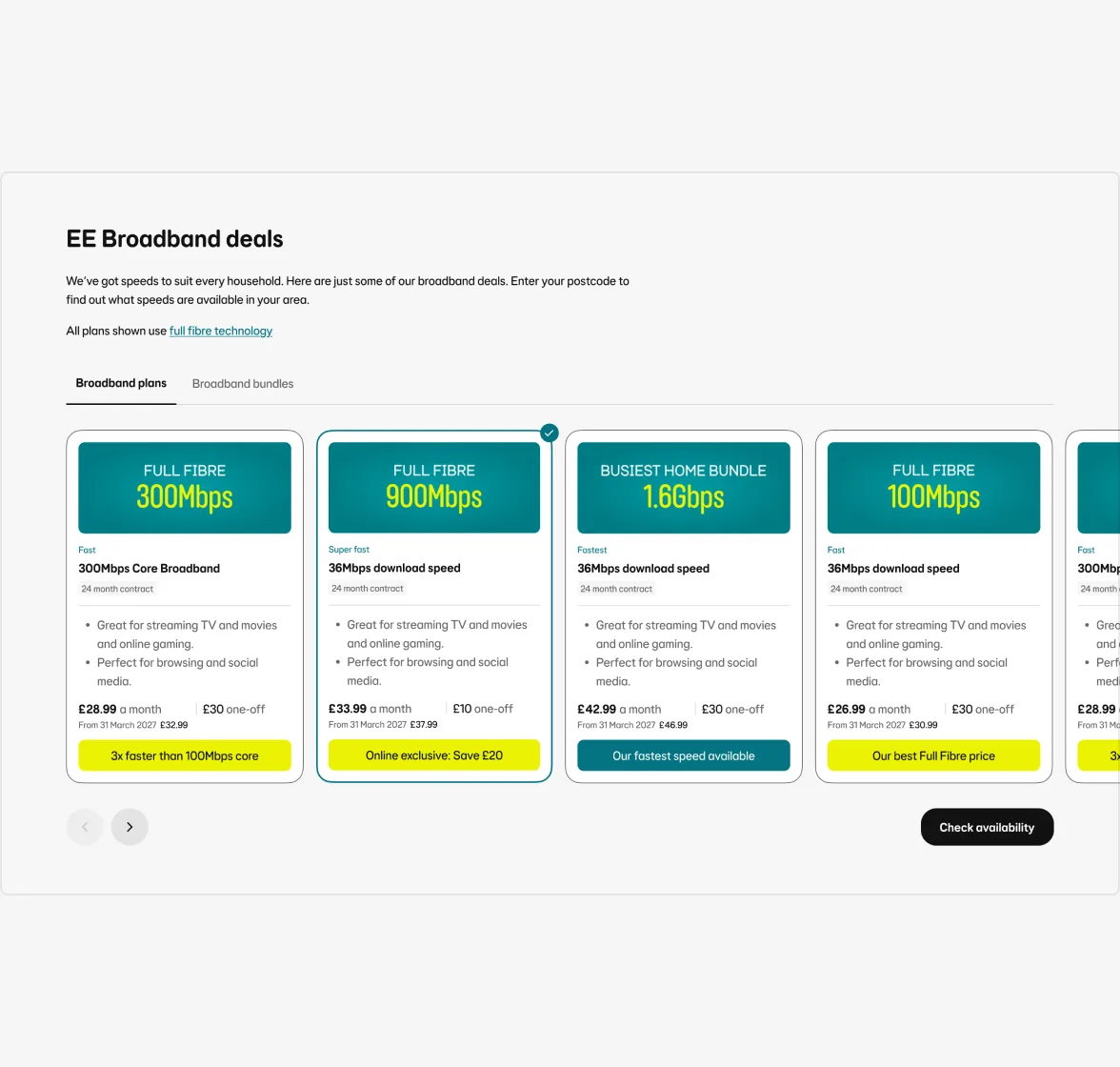
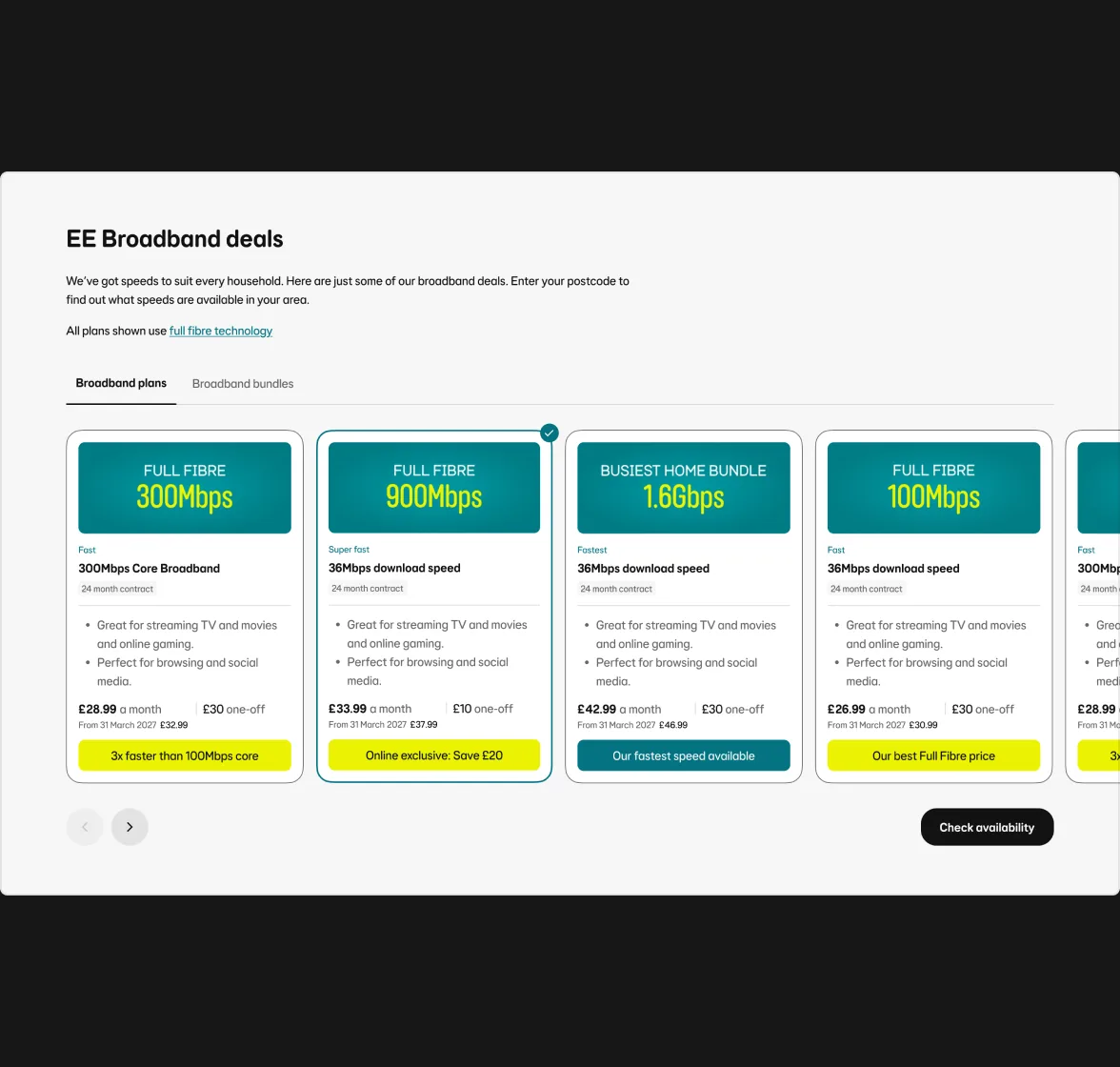
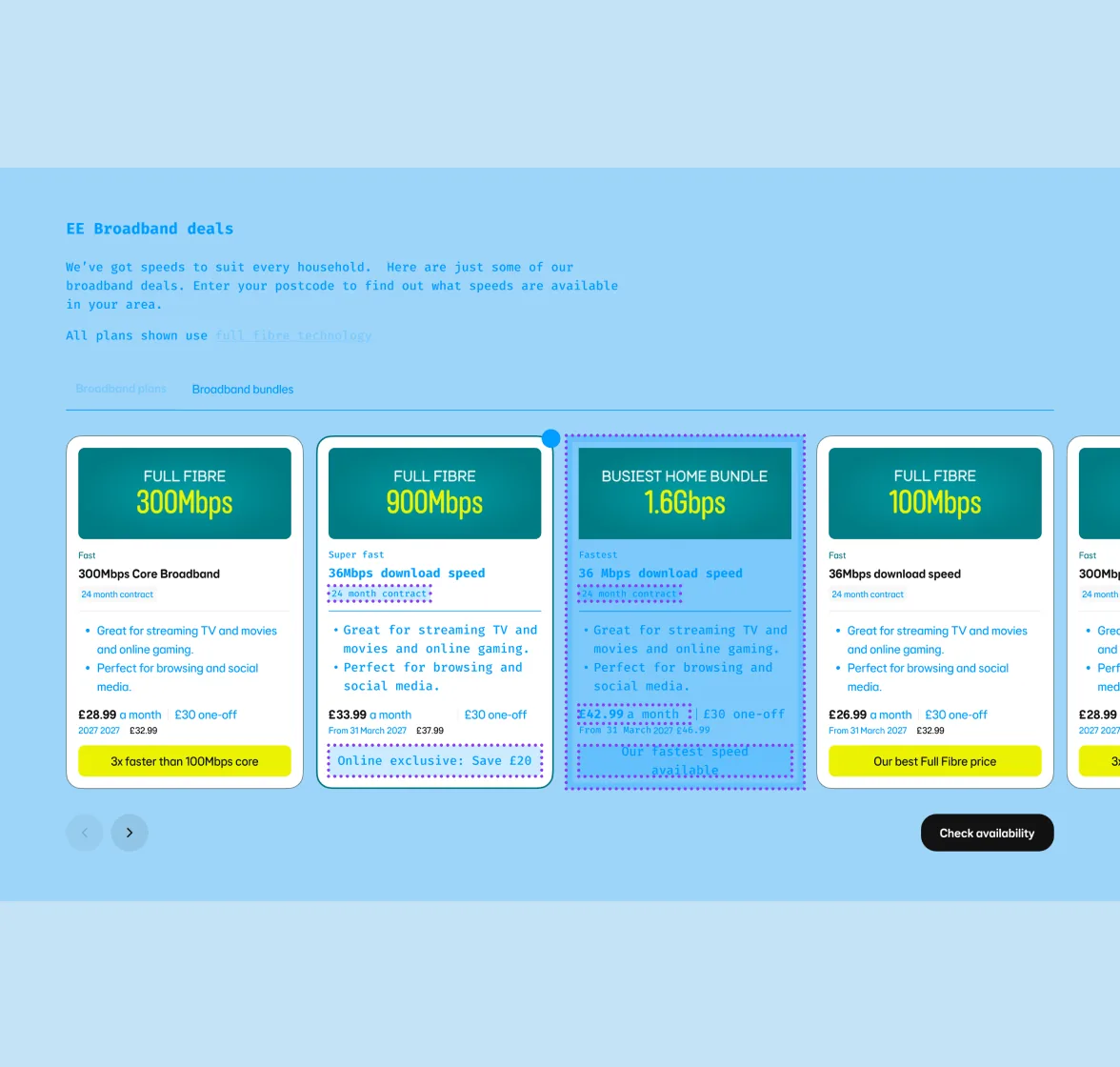
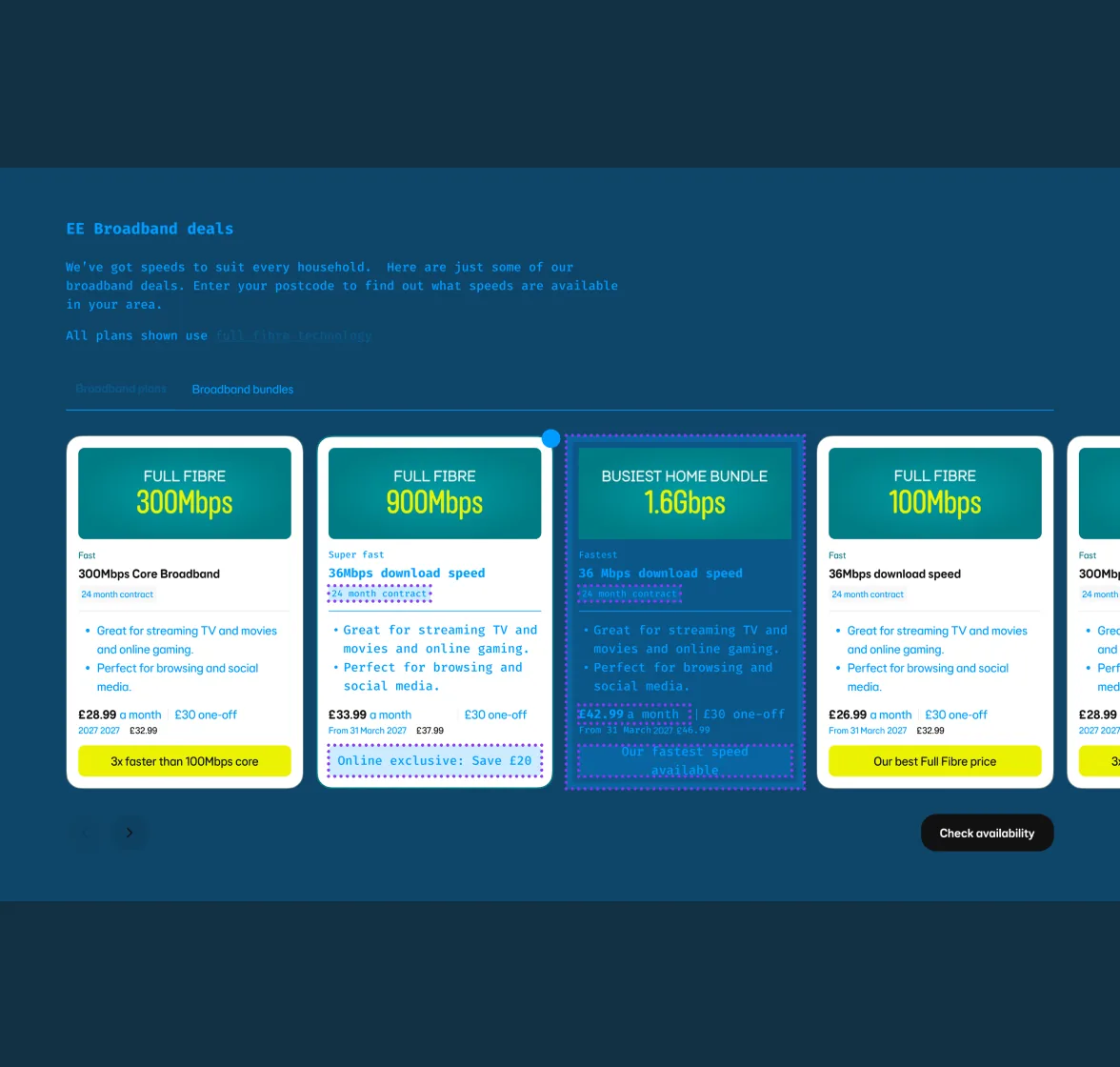
An extended collection of Loop’s variables, where colours turn a see-through blue and text turns monospaced: a look no brand uses.
-
Outline every component
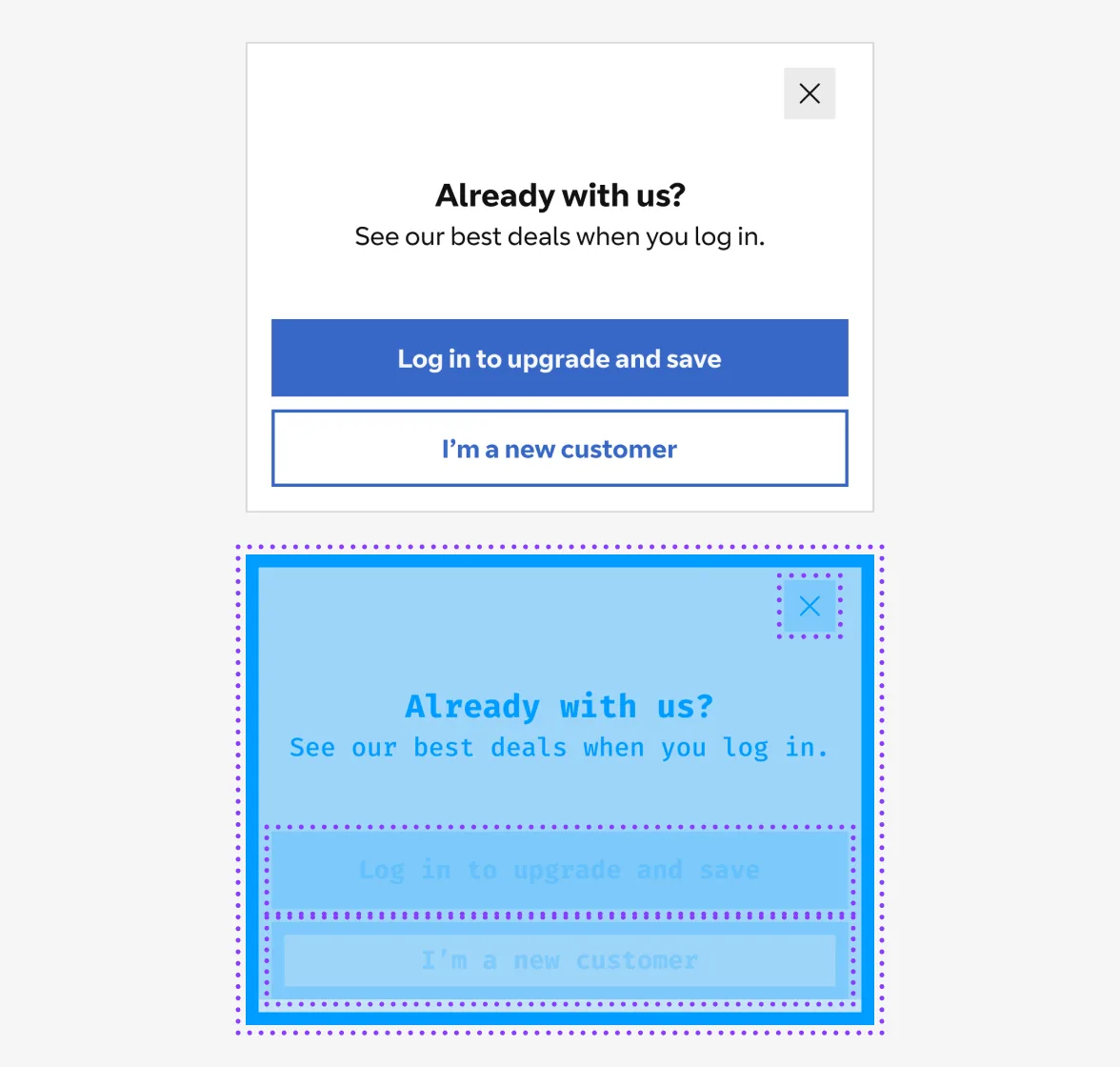
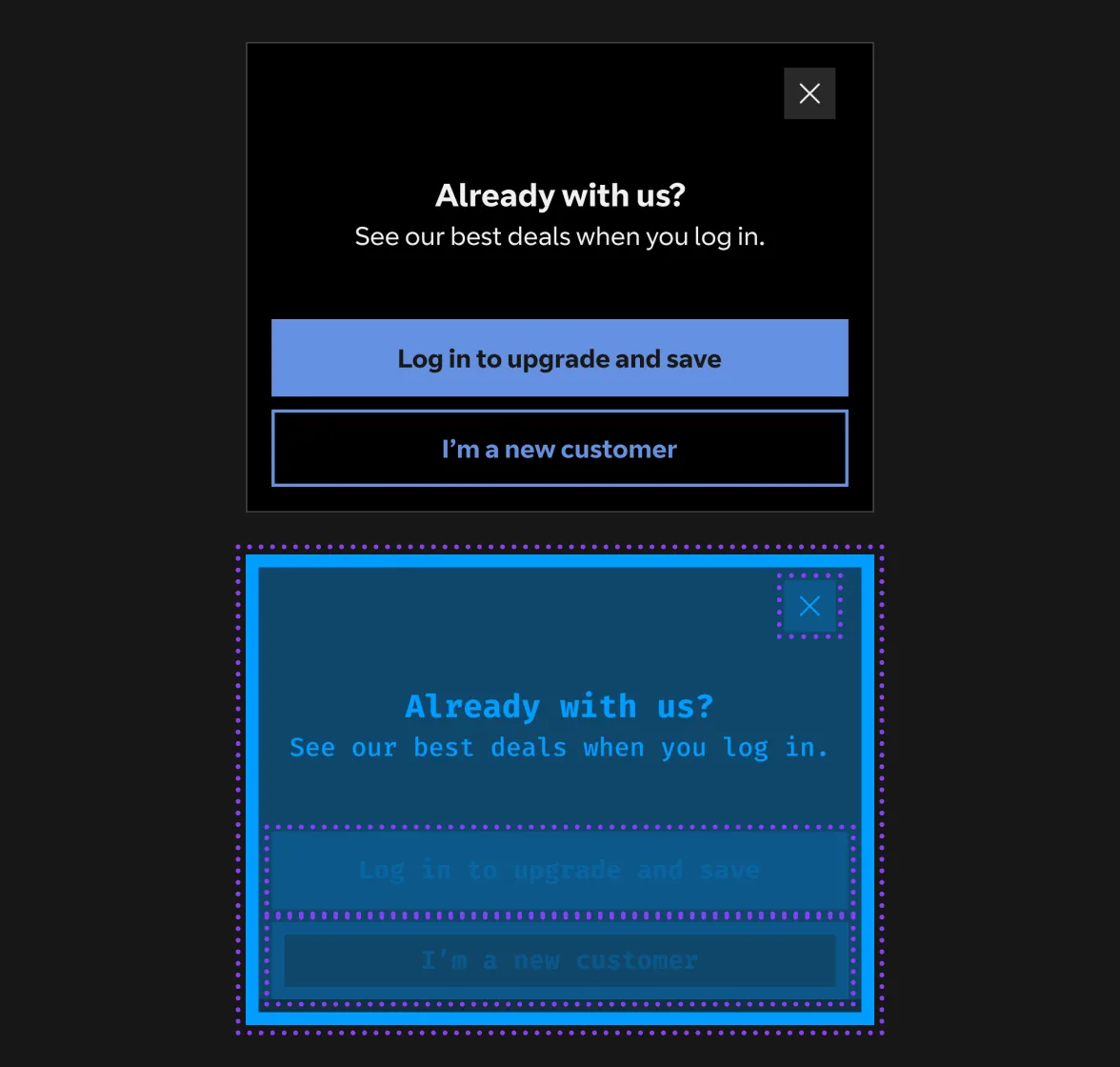
A purple dotted outline around every Loop component, invisible until Debug mode is on.
-
Take it off old ones
Deprecated components lose their outline, so in Debug mode they look like they’re not part of Loop at all.
Before
After
Behind the scenes
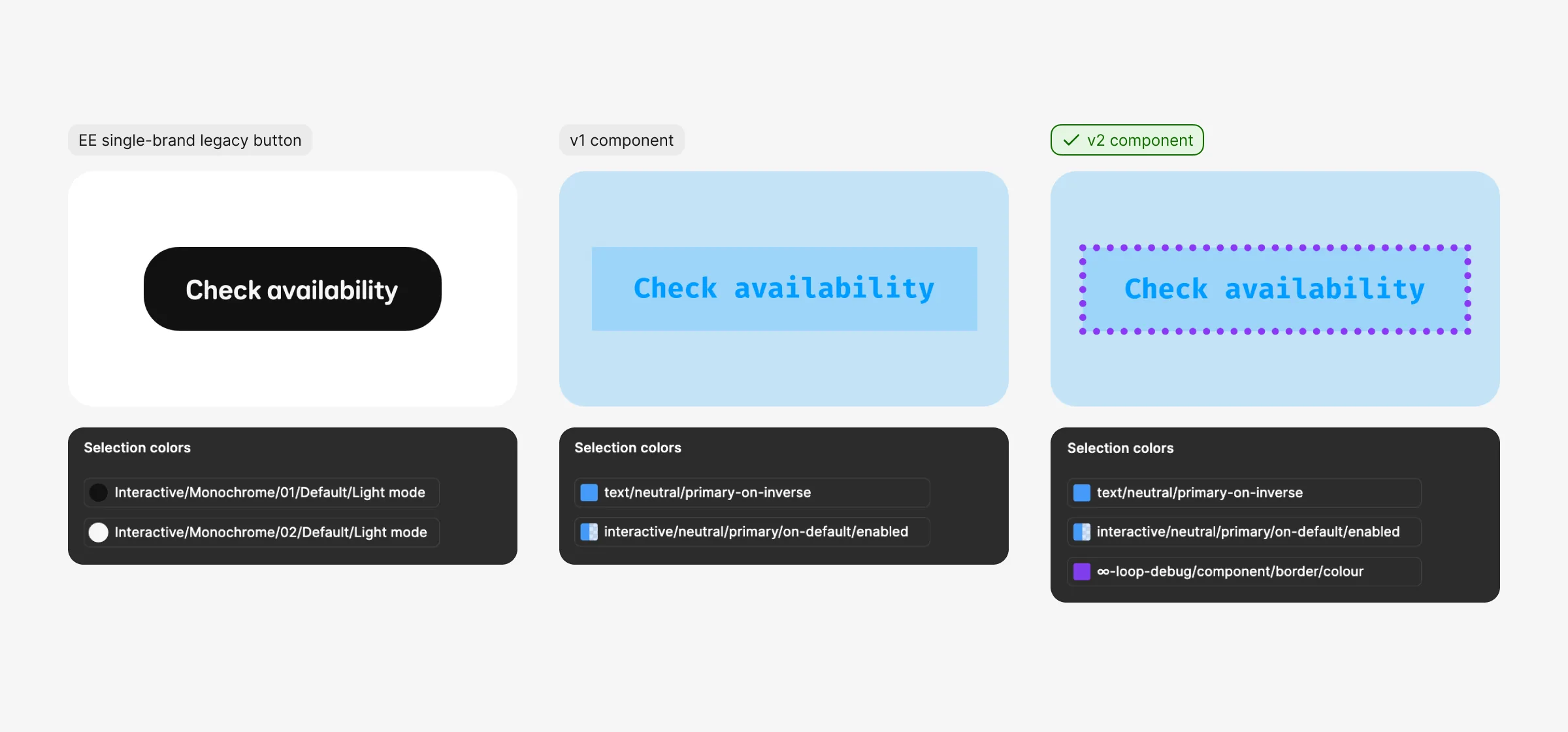
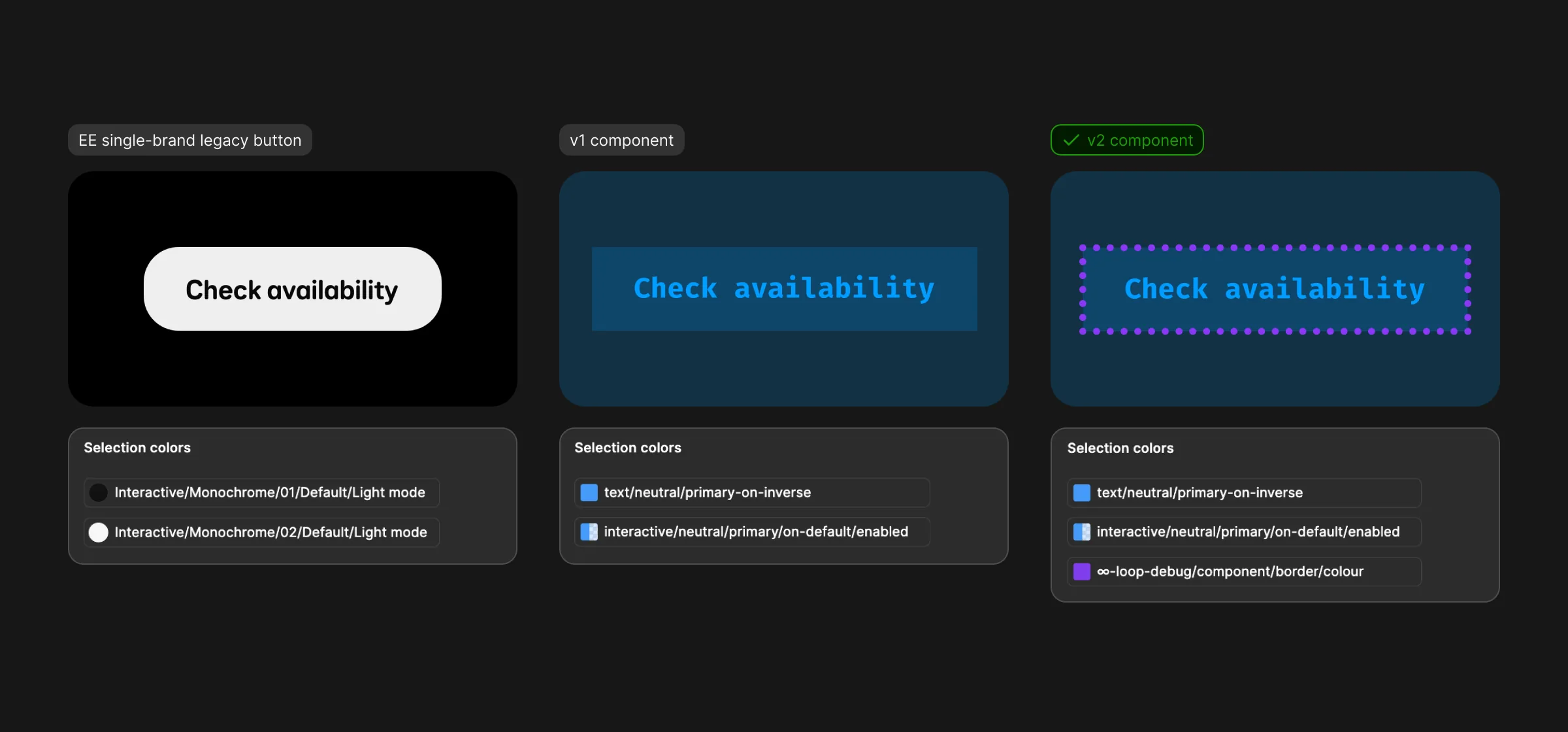
Key decision
A mode, not a plugin
A plugin was the obvious answer. But at BT Group, plugins made by users need approval before they can be shared, and not everyone can run them.
Option A: Build a plugin
Could check more, but it needs approval to share, only some people can use it, and everyone’s setup shows something different.
Option B: A variable mode
ChosenBuilt from Figma’s own modes, so anyone with edit access, from product designers to content editors, can switch it on, everyone sees the same thing, and there’s nothing to install.
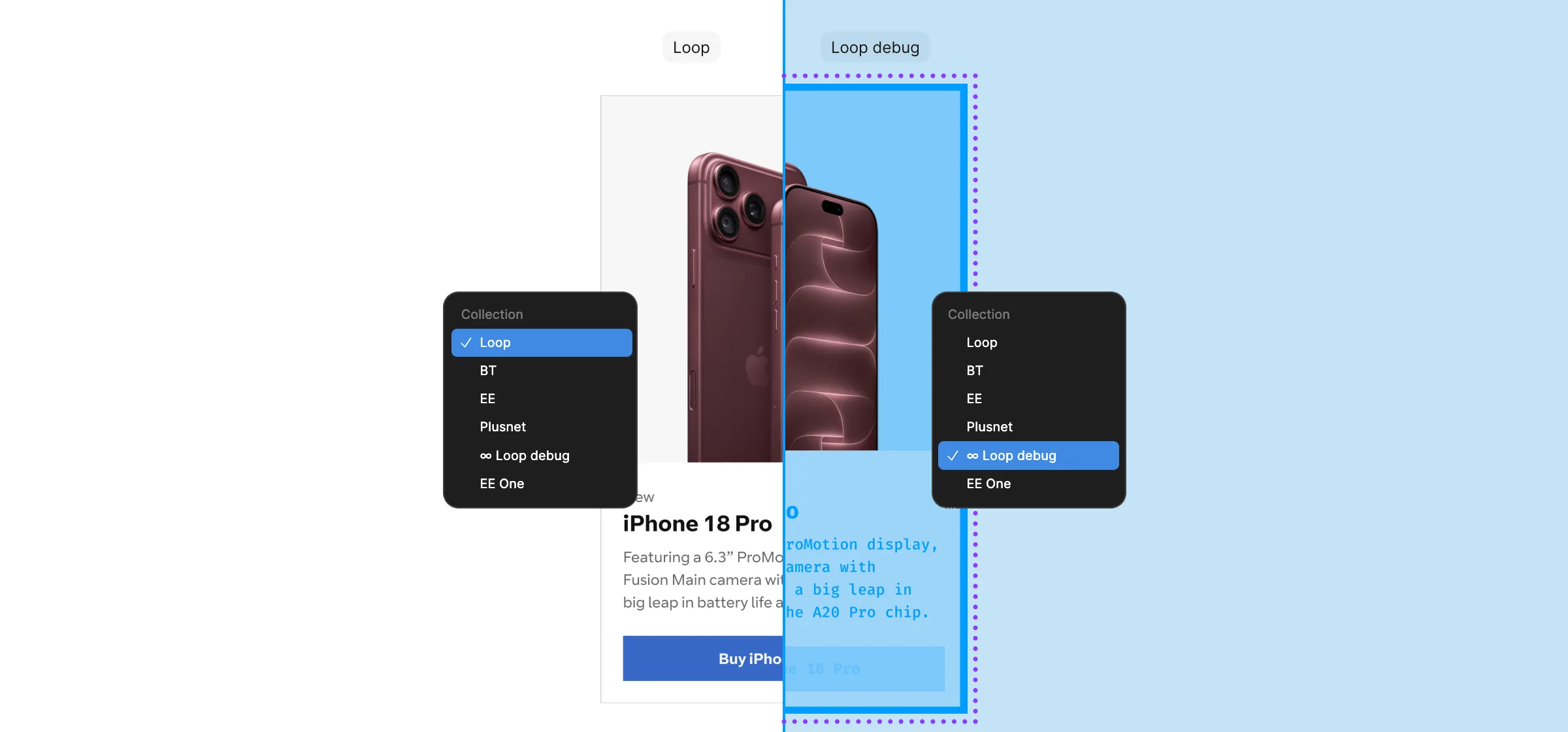
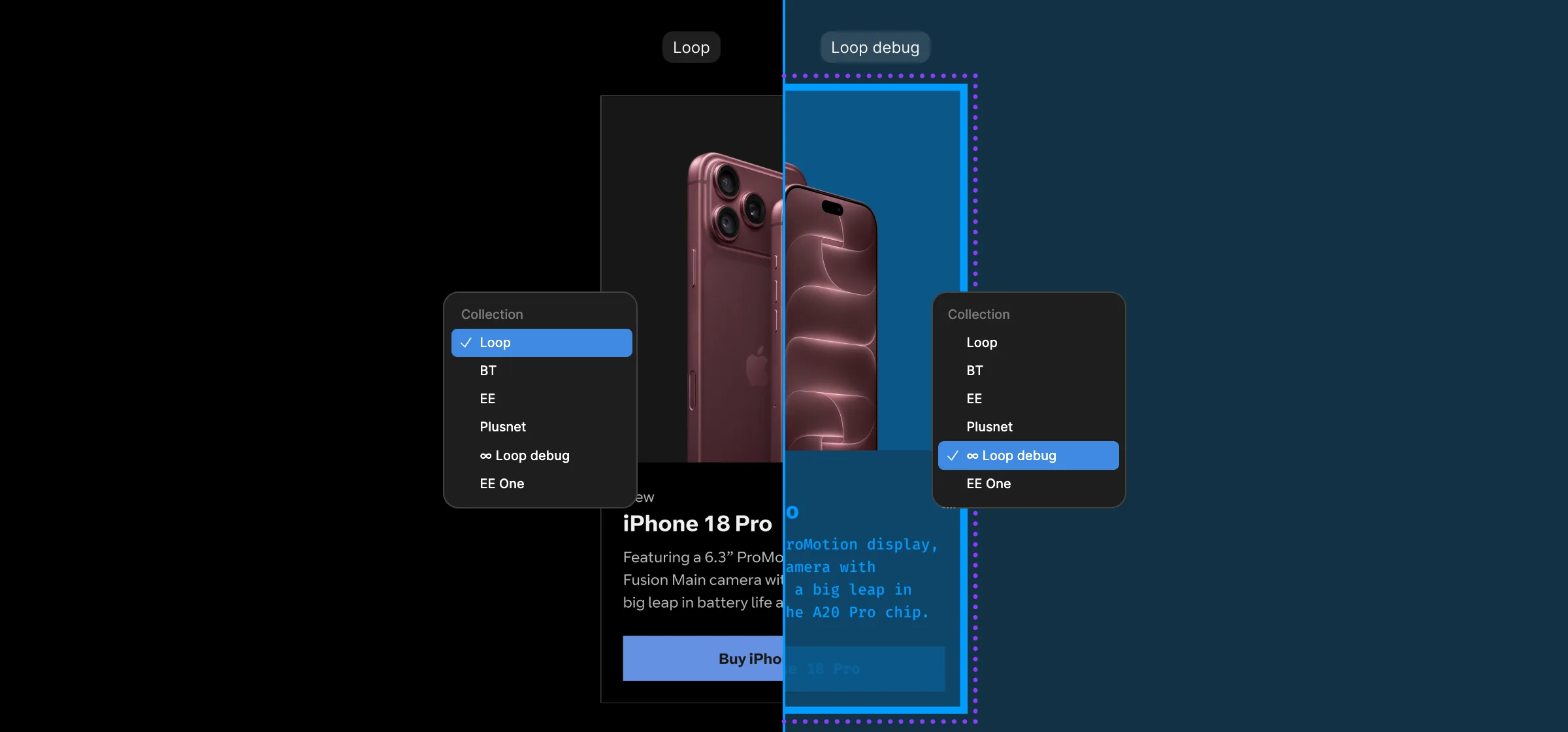
One switch.
Three brands.
350+ people a month.
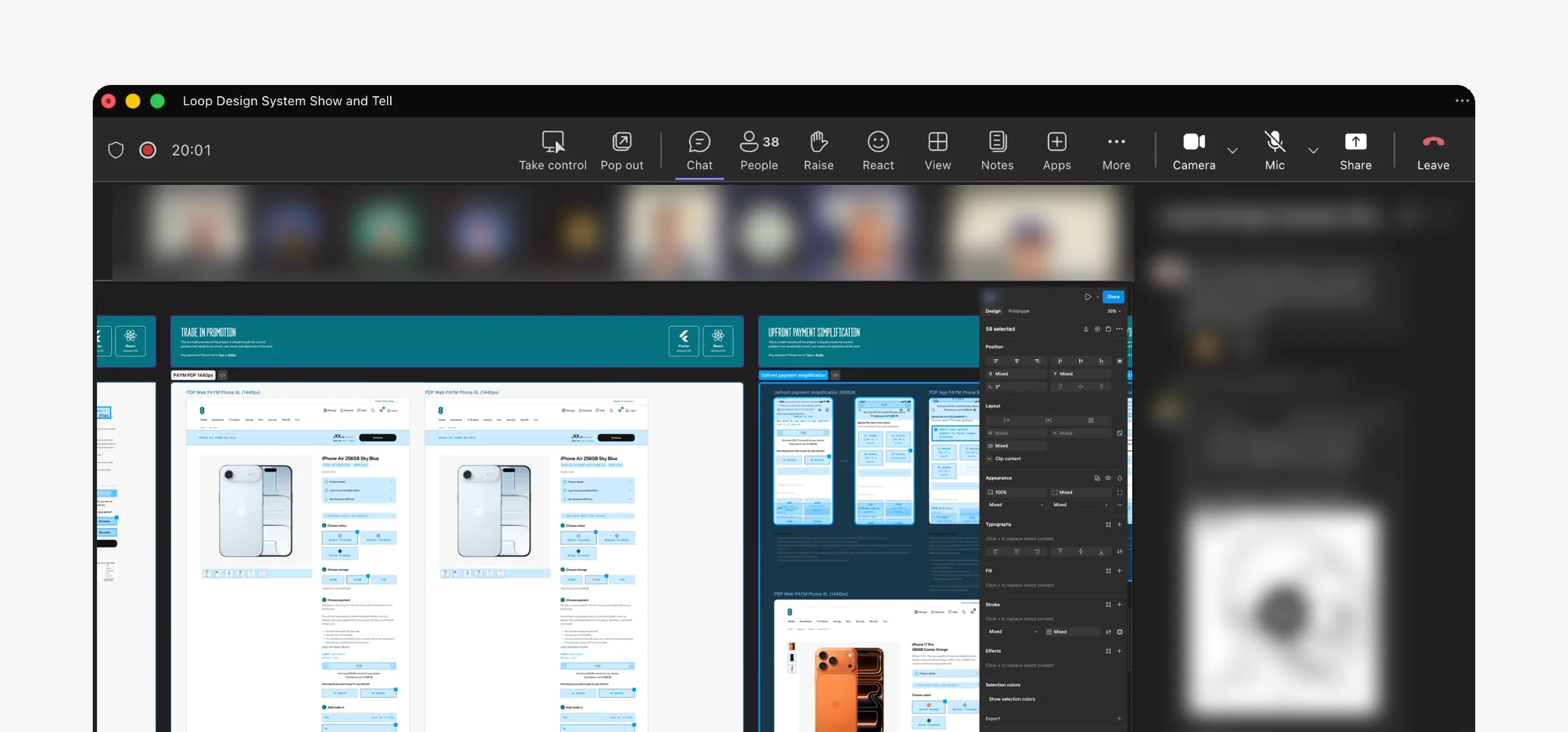
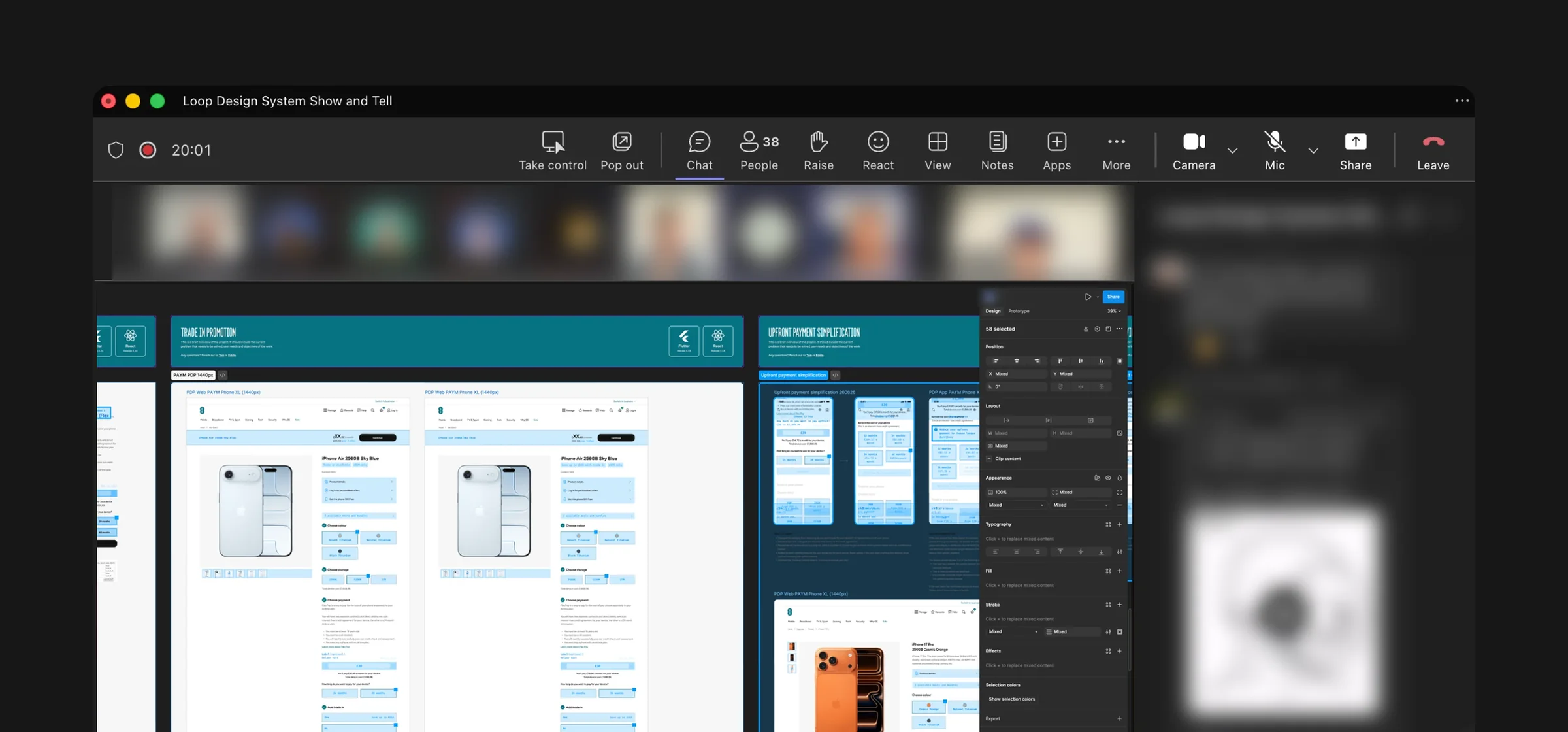
Debug mode is now part of Loop, used by over 350 people a month across BT, EE and Plusnet. It saves 4+ hours a week: journey teams now check their own designs at a glance, so the Loop team no longer needs to attend crits across tribes, and only the parts that are wrong need a closer look.
It helped with the multi-brand migration too. As designers moved their files from the old EE-only Figma colour, text and layout styles to the new variables, Debug mode showed at a glance what had moved across and what was still left to do.
It’s design only: the API in code ignores the theme, so it never reaches customers. And it works hand in hand with Figma’s own Check designs: Debug mode shows what’s off-system, Check designs helps fix it.


What I learned
- Nothing to install means people use it
- Build on what designers already know
- Using a token isn’t the same as using the right one
What I’d do next
- Measure its success across teams
- Keep educating teams to use it
- Flag tokens in the wrong place, as designers have asked
“I switch Debug mode on before every review. Anything that doesn’t light up, I fix there and then, so my designs reach sign-off already using Loop, without waiting for a crit.”
See more of my work
Loop Multi-brand Design System
Rebuilt EE's design system to power BT, EE and Plusnet from one foundation, now used by over 650 people at BT Group and reaching 25 million customers.
Plusnet Broadband Order Tracker
Rebuilt Plusnet's underperforming broadband order tracker from the ground up, cutting calls to the call centre by 38% within weeks of launch.
Let’s talk about what’s next...
Or we can talk video games, golf or skateboarding :)
Video description
Stefan Adams: The S-N of Stefan A hand-drawn animation, set to music, that spells out my name one letter at a time, each with something that says a bit about me.
- S is for skating
- T is for making tea 24/7 for my wife - never finishes!!!
- E is for easy going… unless there’s jellyfish
- F is for making food (mostly hot Mexican food)
- A is for Apple
- N is for never too many shoes!!!
The end. The whole thing by Stefan Adams.