Where’s my broadband?
I rebuilt Plusnet’s broadband order tracker from the ground up, so new customers can see exactly where their order is without picking up the phone.
-
9%
Of customers calling during setup, down from 11%
-
5
Customer satisfaction score, up from 3.49
-
10%
Of customers cancelling before install, down from about 12%
Customers were left guessing
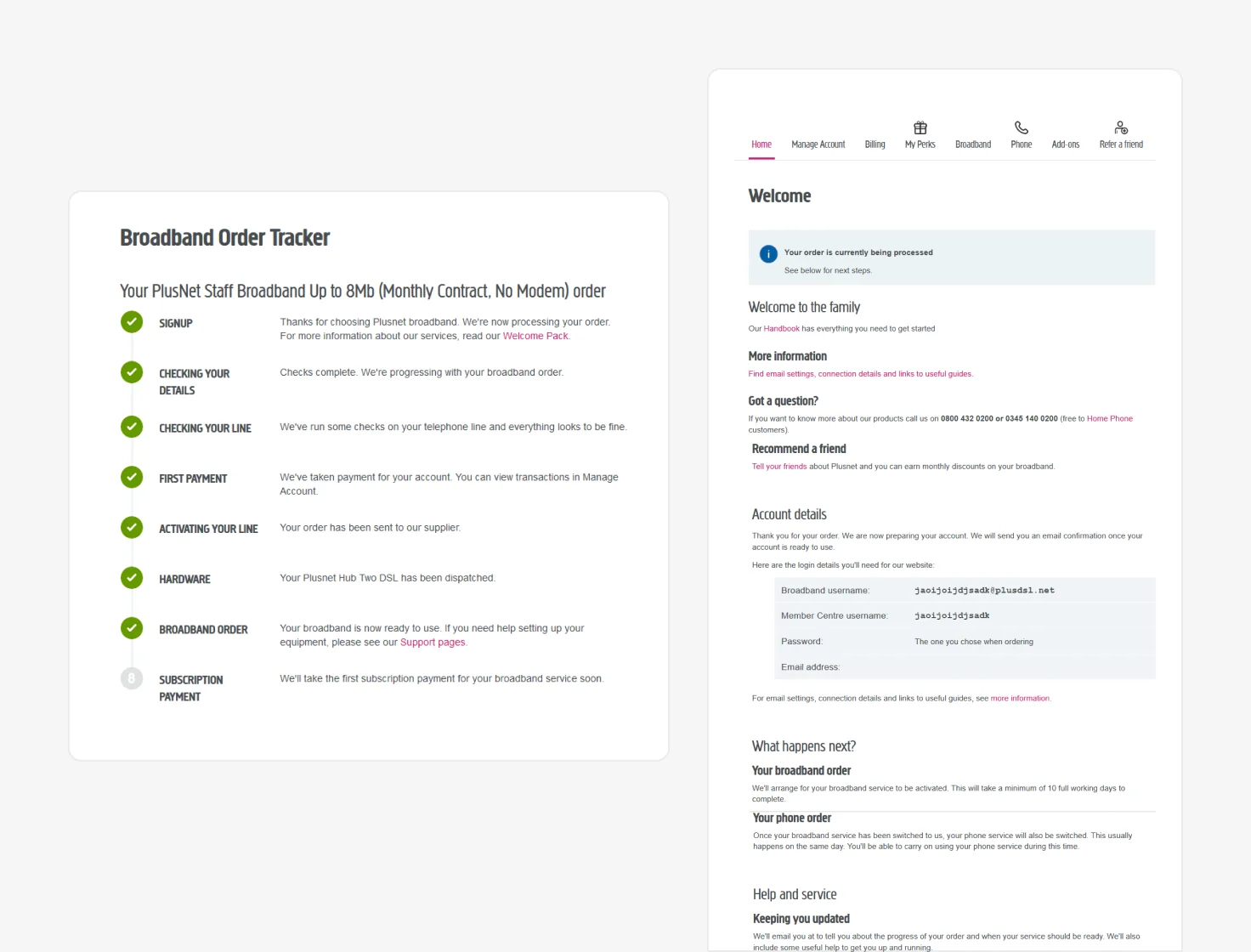
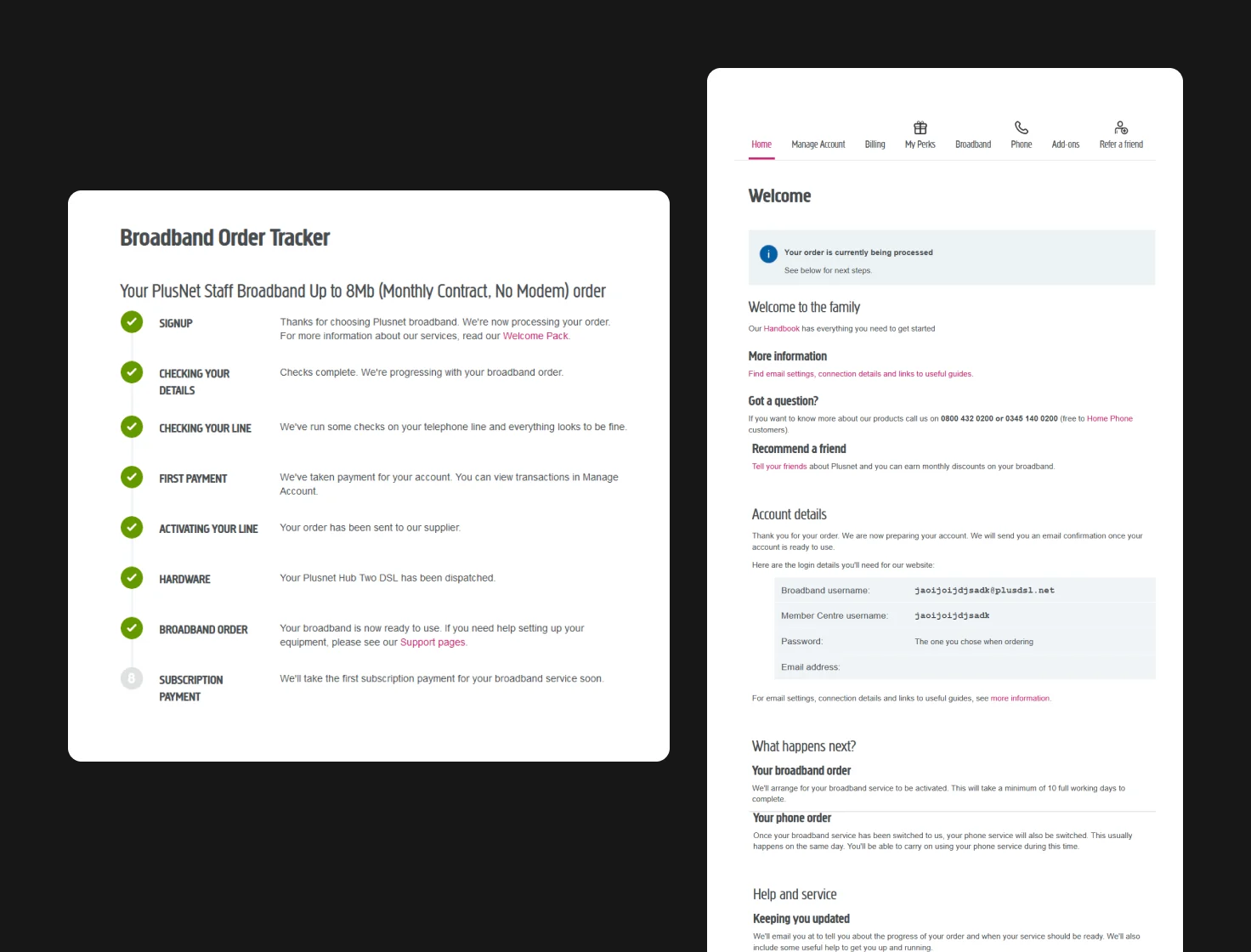
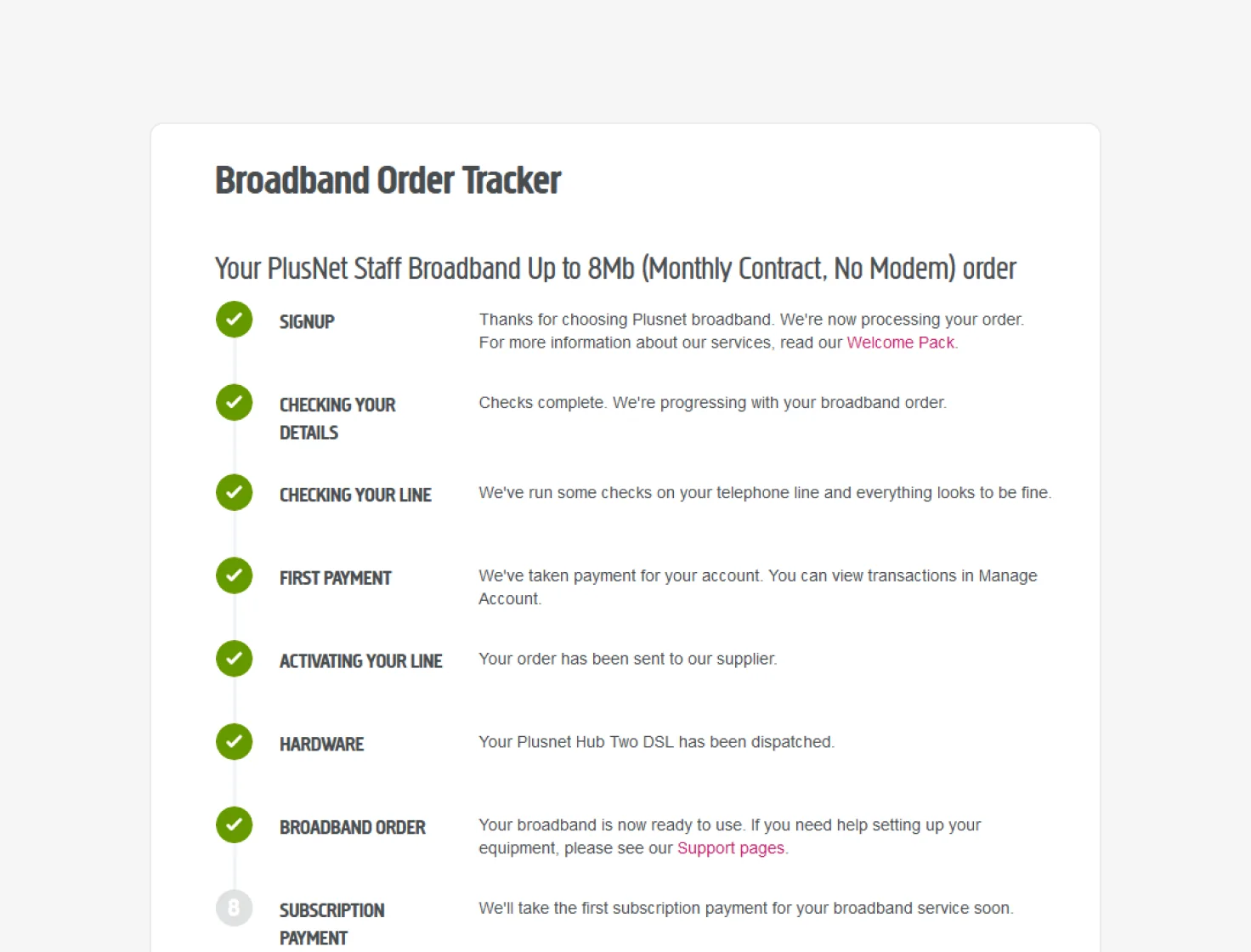
New Plusnet customers waited in a ‘Get’ state until their broadband went live. They could log in to the Member Centre straight away, but the home page and a separate Order Tracker page told them very little about their order.
So they picked up the phone. Around 11% of new customers called during setup, and nearly 12% cancelled before their install.
The brief
How might we answer customers’ questions about their order, before they need to call?
I led the design: discovery research, workshops with the squad, prototyping and testing, through to the designs we built.
Success looked like
- Calls during setup down from 11% to 9%
- Customer satisfaction up from 3.49 to 5
- Cancellations before install down from 12% to 10%
Constraints
- Broadband and phone line orders only, before activation
- Built in React, inside Plusnet’s existing Member Centre
- Updates had to cover things going wrong, too
Listen first, then test every path
I started with what customers expected to see after ordering, then tested a prototype against it, covering the orders that go wrong as well as the ones that go right.
-
Listen
Interviewed customers about what they expect after ordering broadband, and sat in with call centre agents to hear why people call.
-
Agree what matters
Turned the findings into six user needs, then ran a Build Measure Learn workshop with the squad to agree what to change.
-
Test every path
Tested a mobile prototype with five people across four order scenarios, happy and unhappy, then refined it for build.
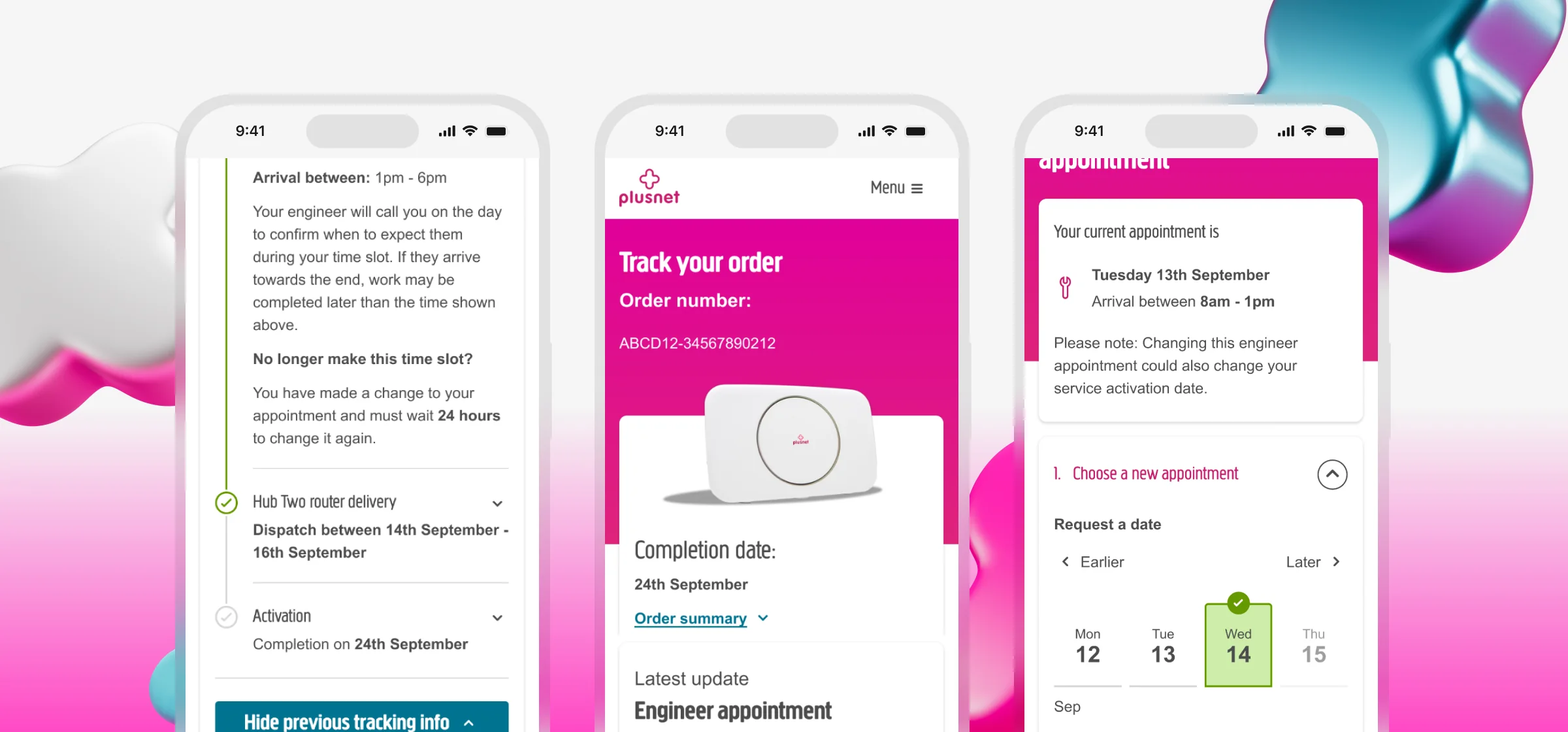
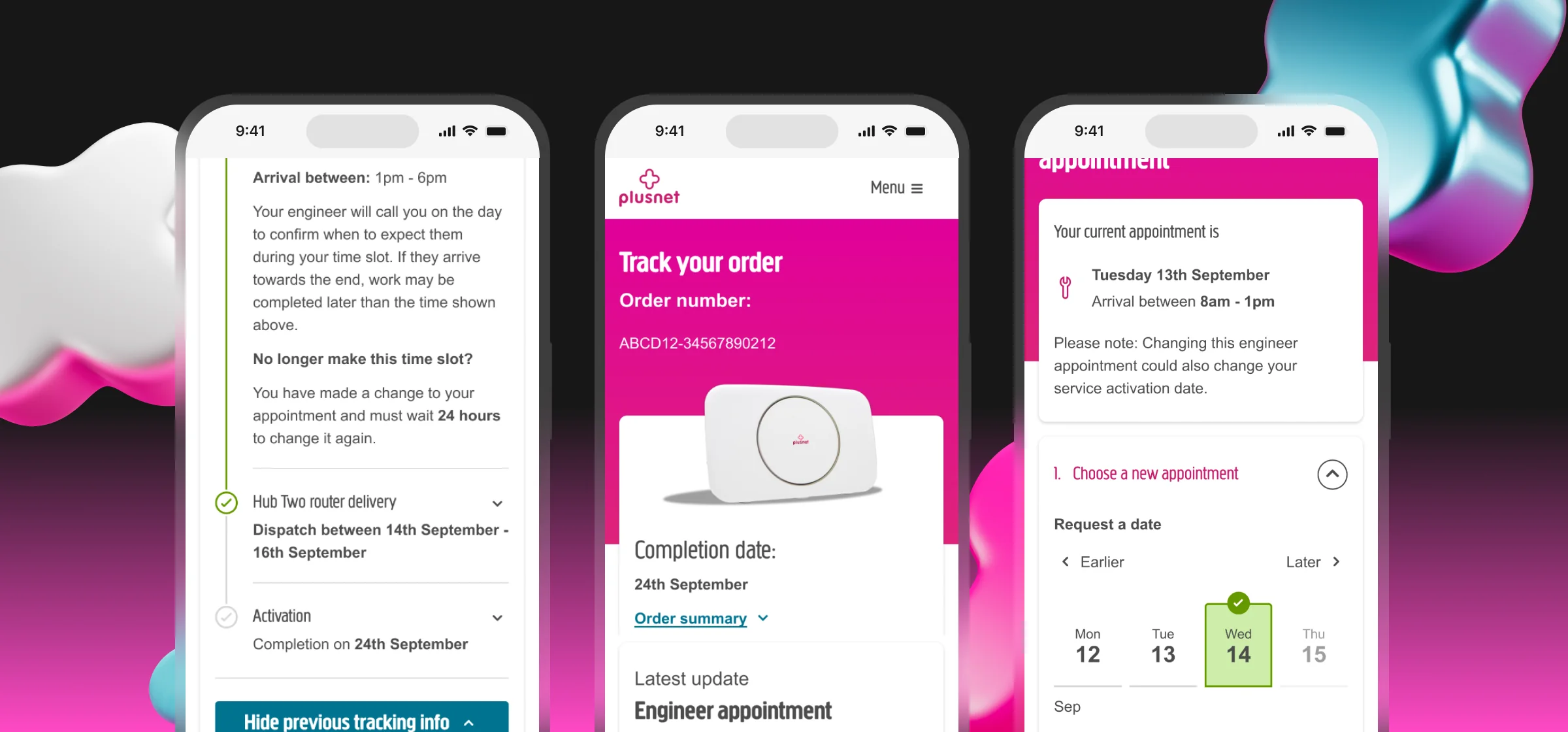
Before
After
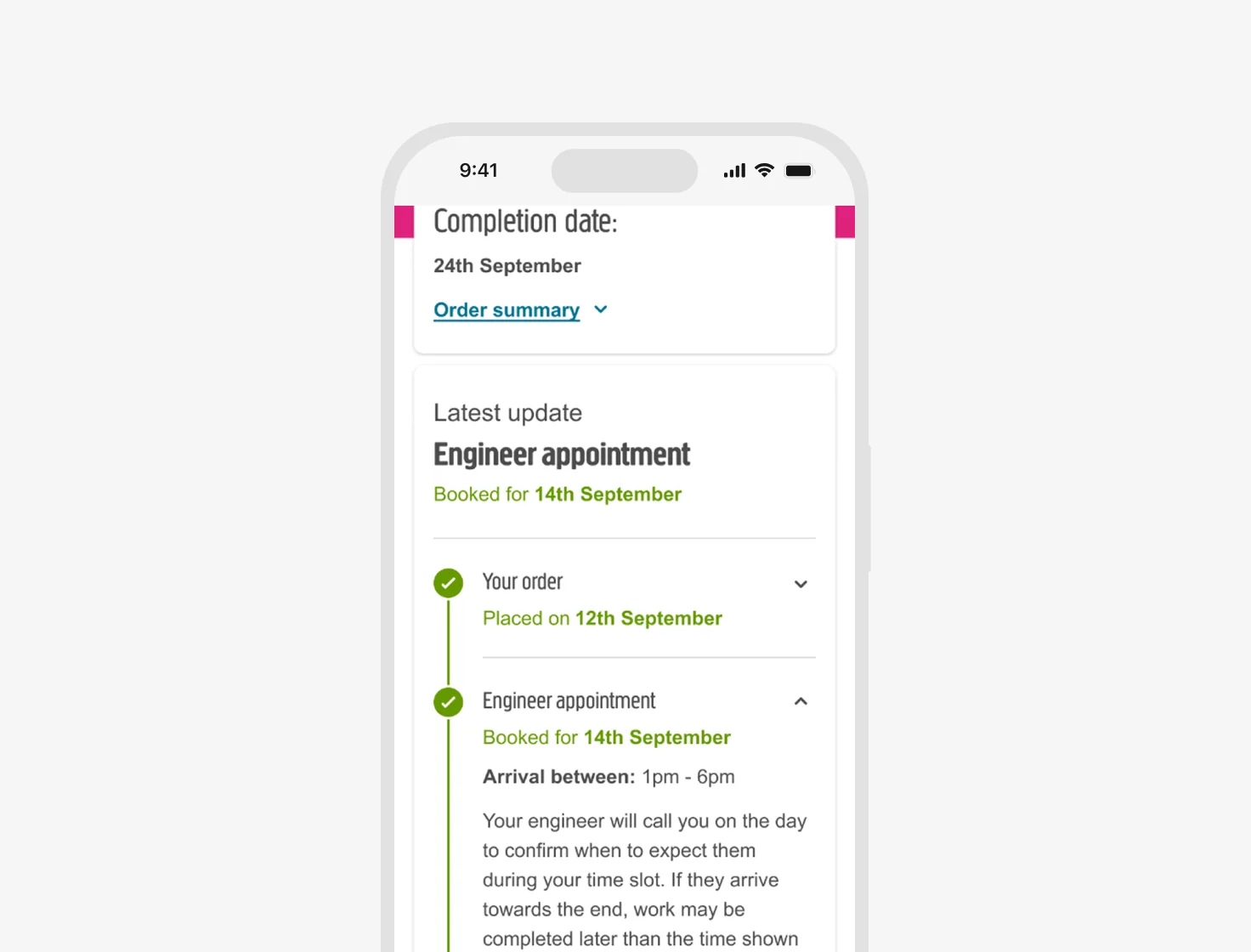
Behind the scenes
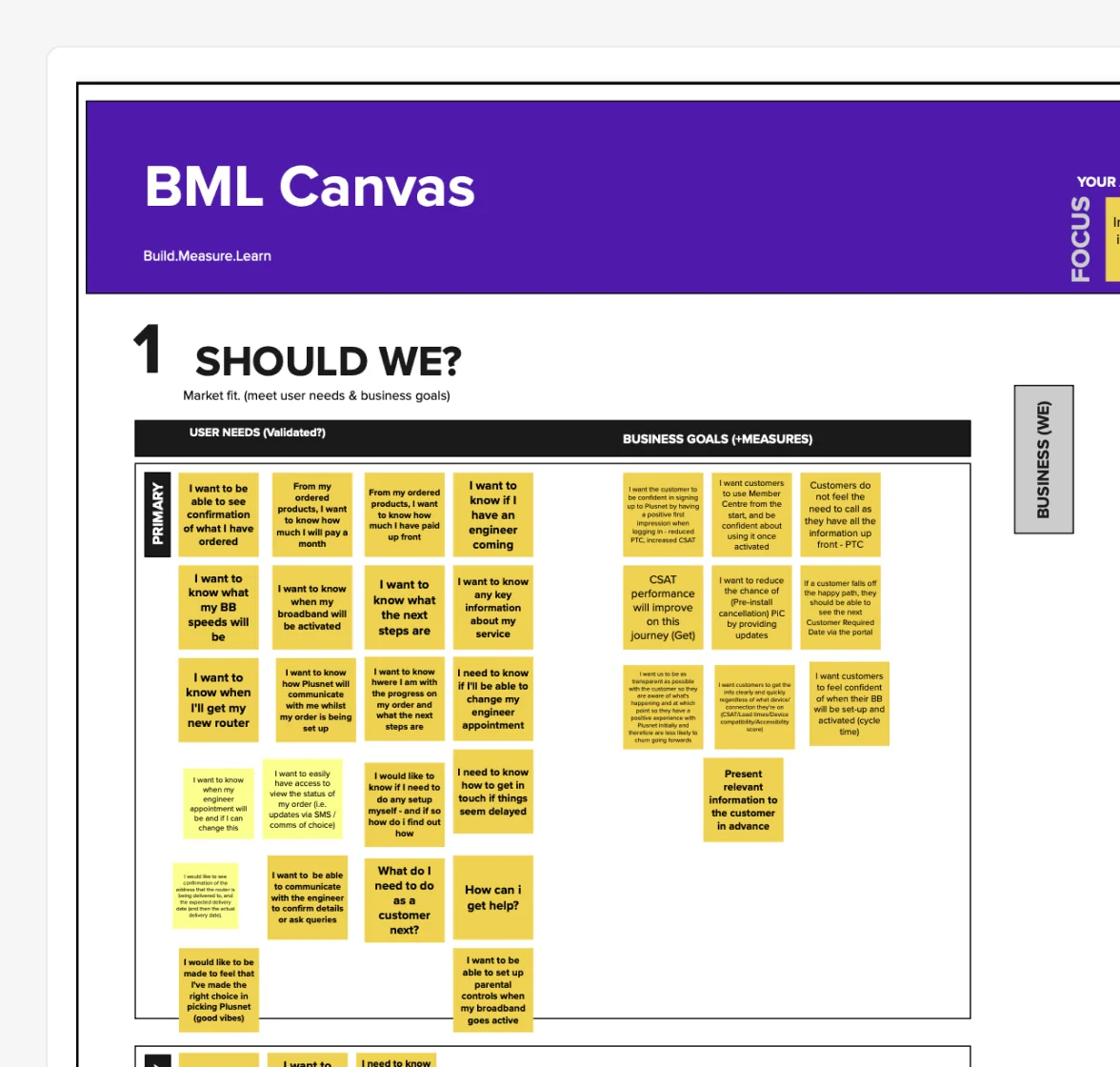
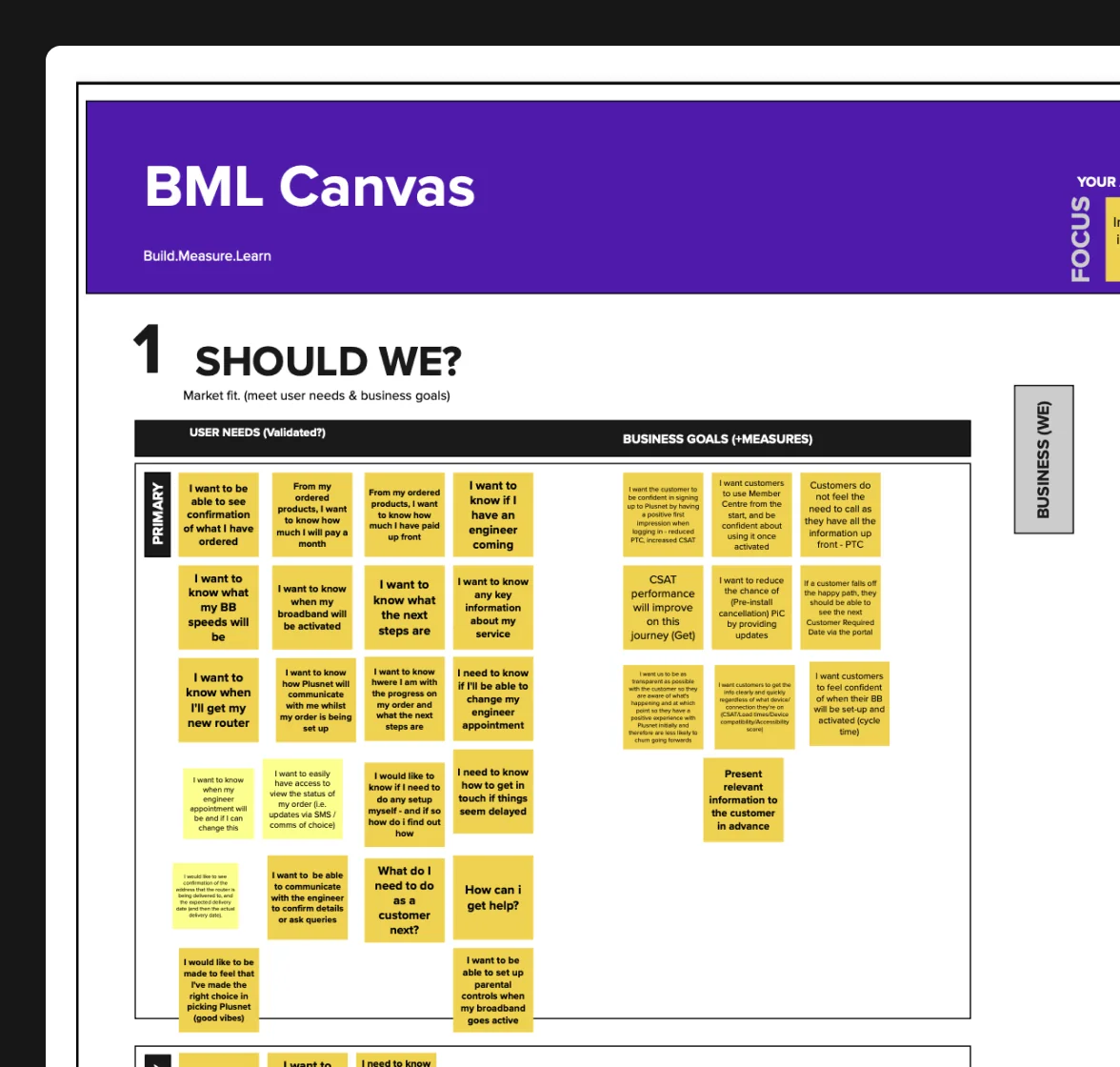
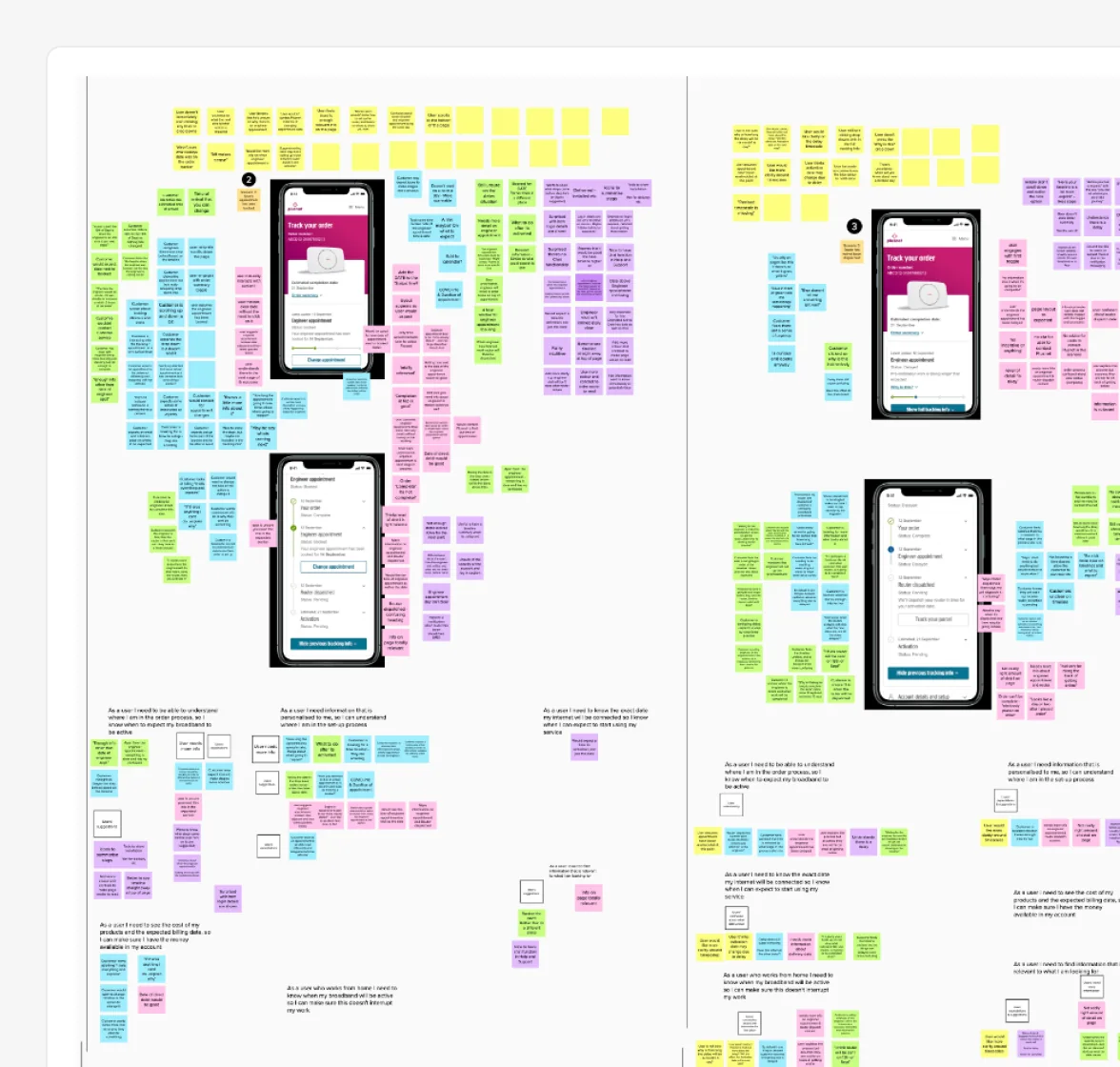
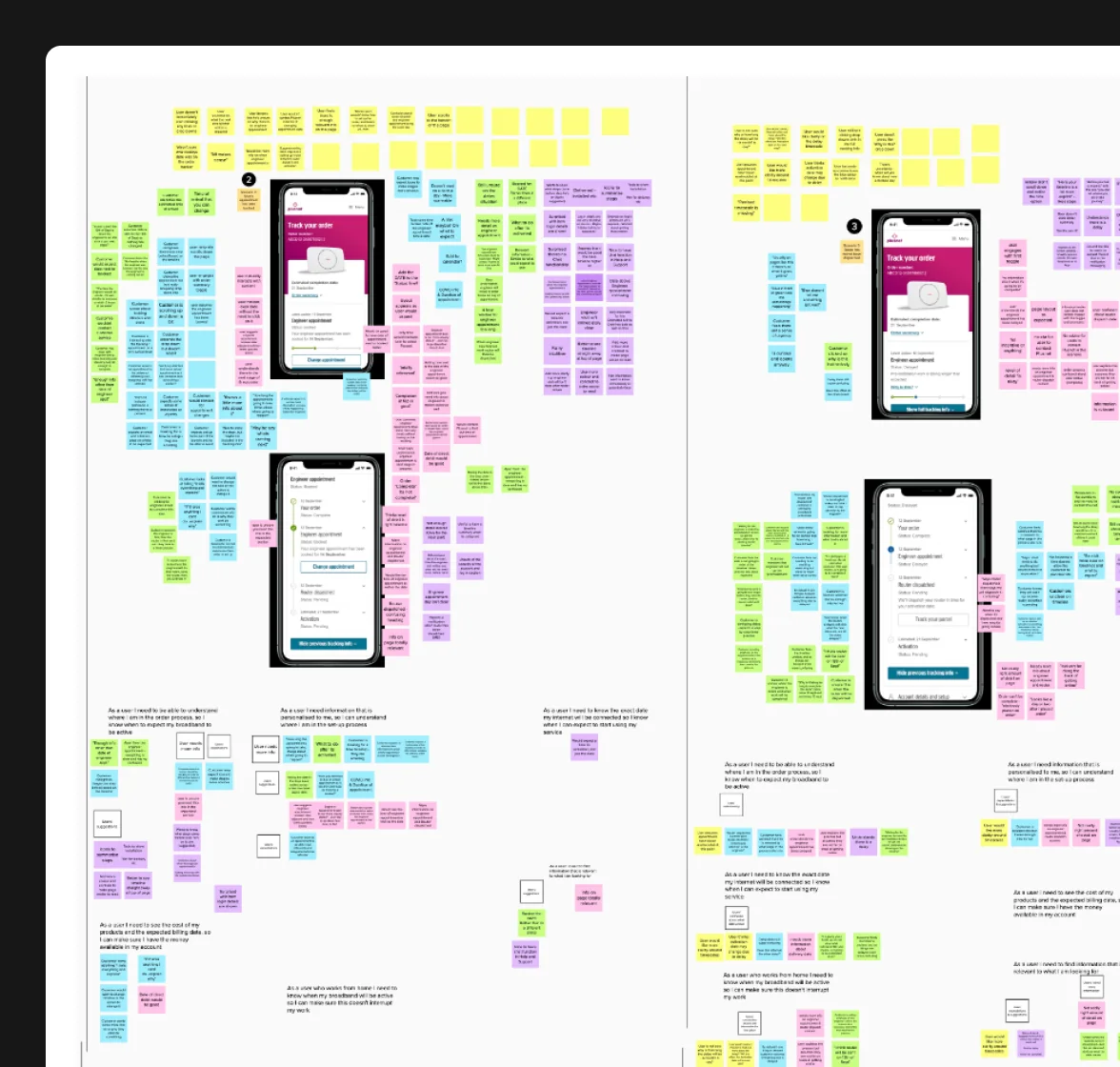
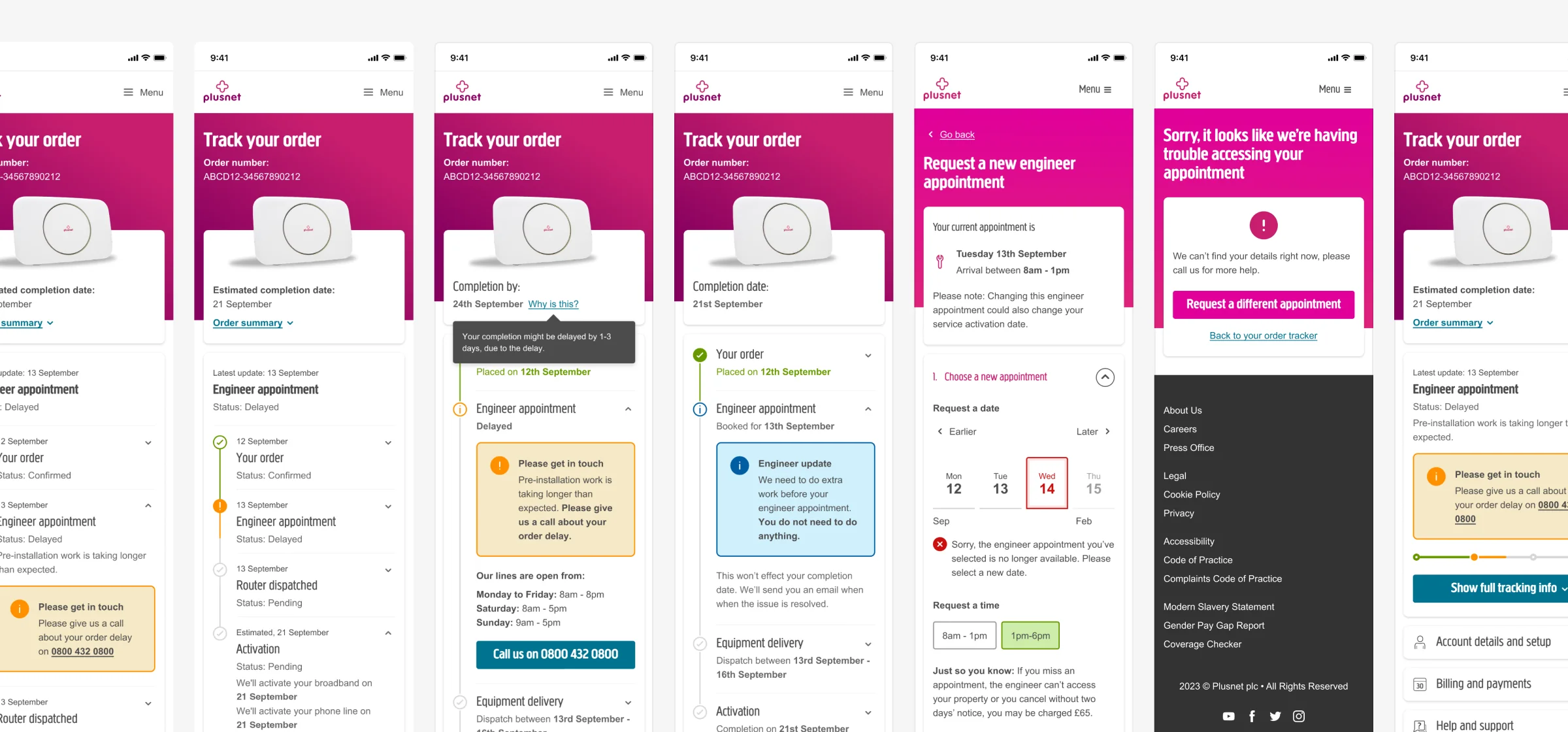
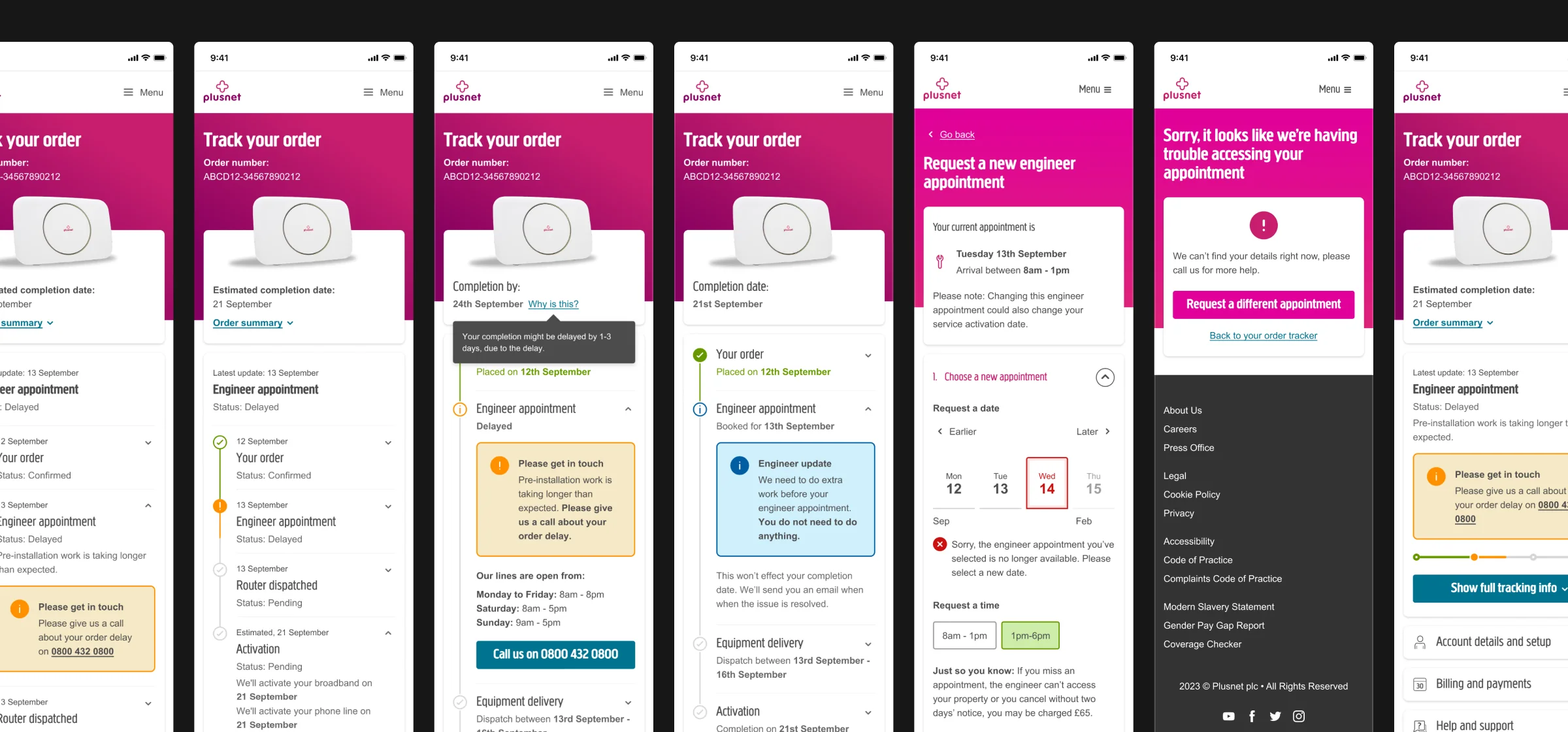
Key decision
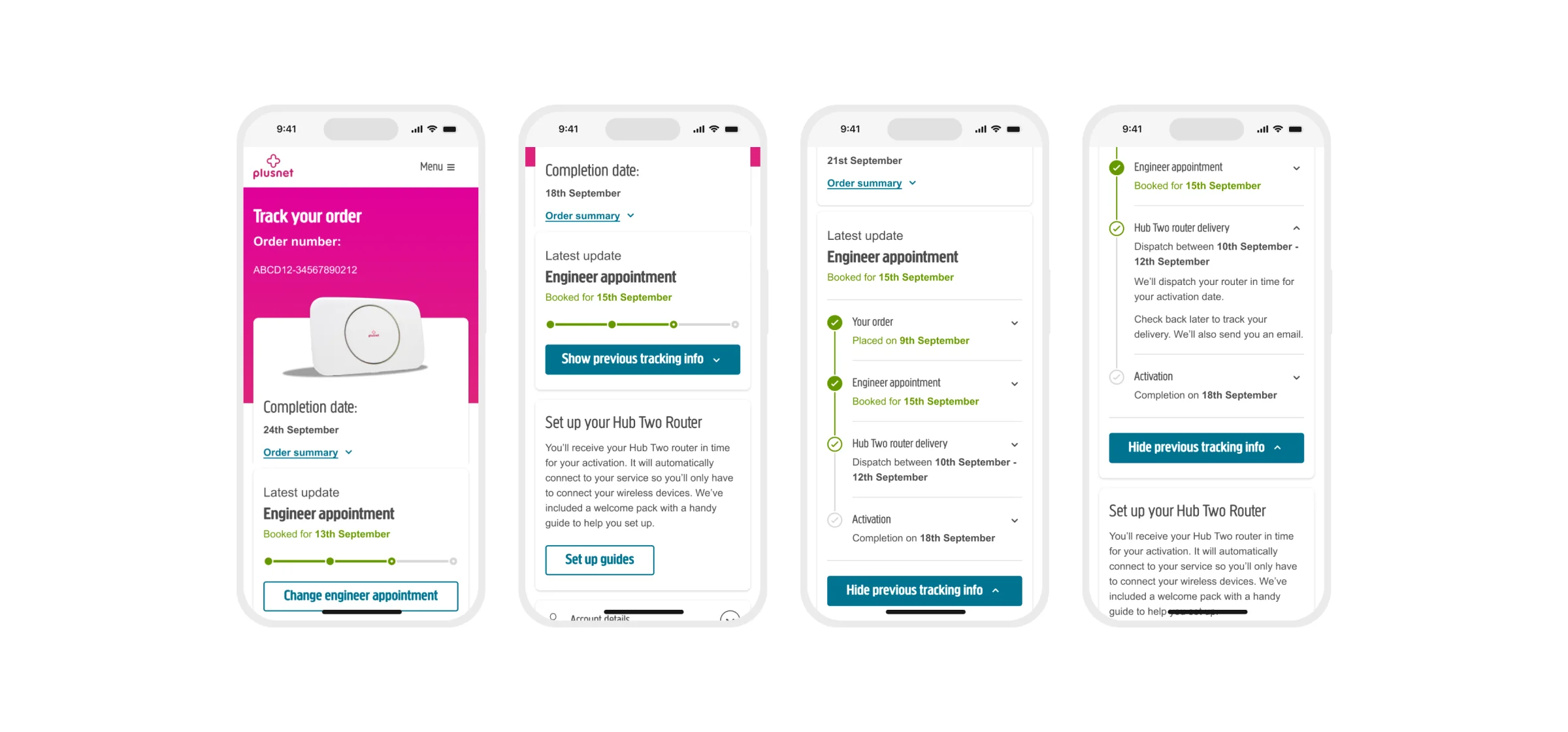
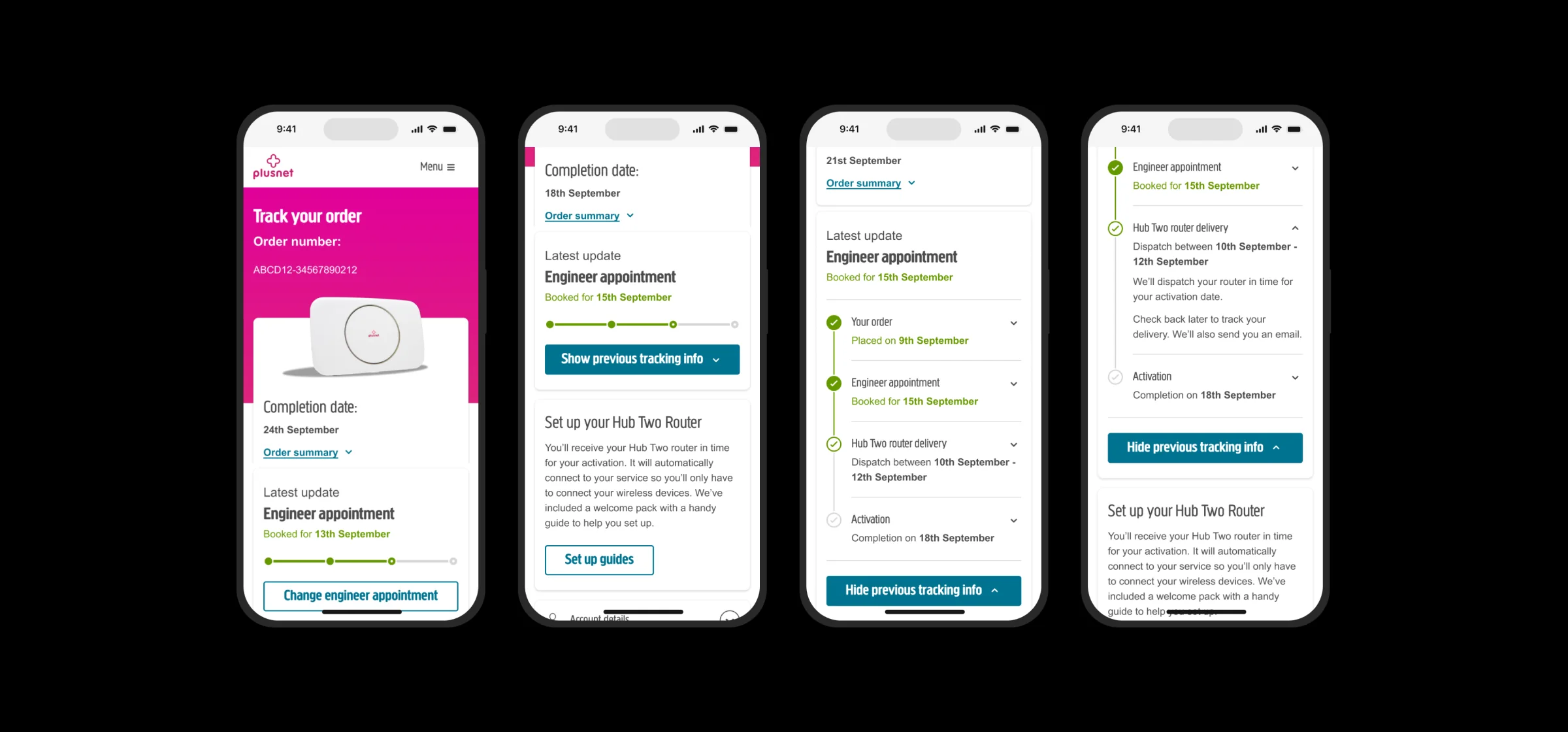
Lead with the latest update, not every step
The old tracker gave every system step the same weight. Customers told us they just wanted to know what’s happening now, and when they’ll be connected.
Option A: Show every step
Thorough, but the one update that matters gets lost in a long list of system jargon.
Option B: Latest update first
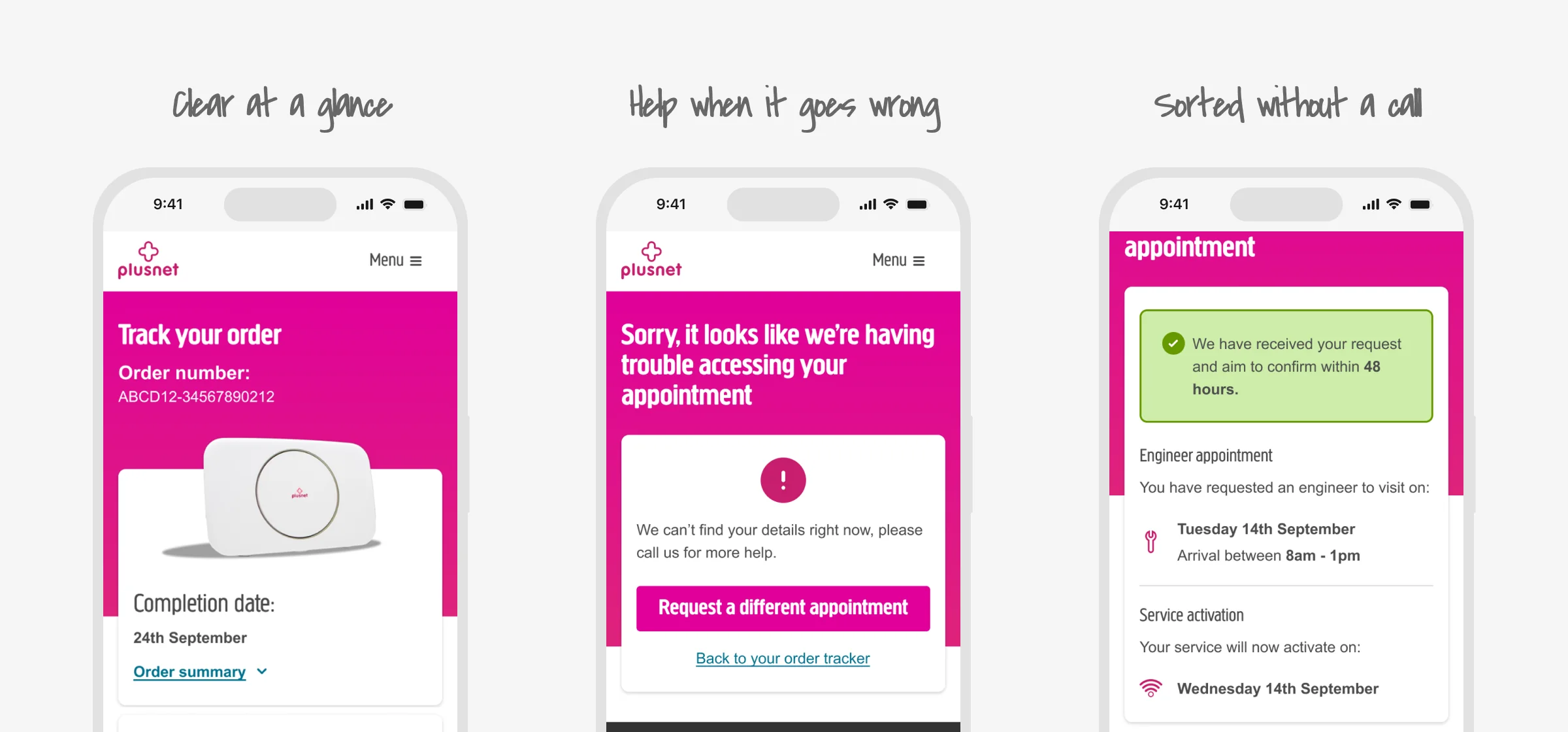
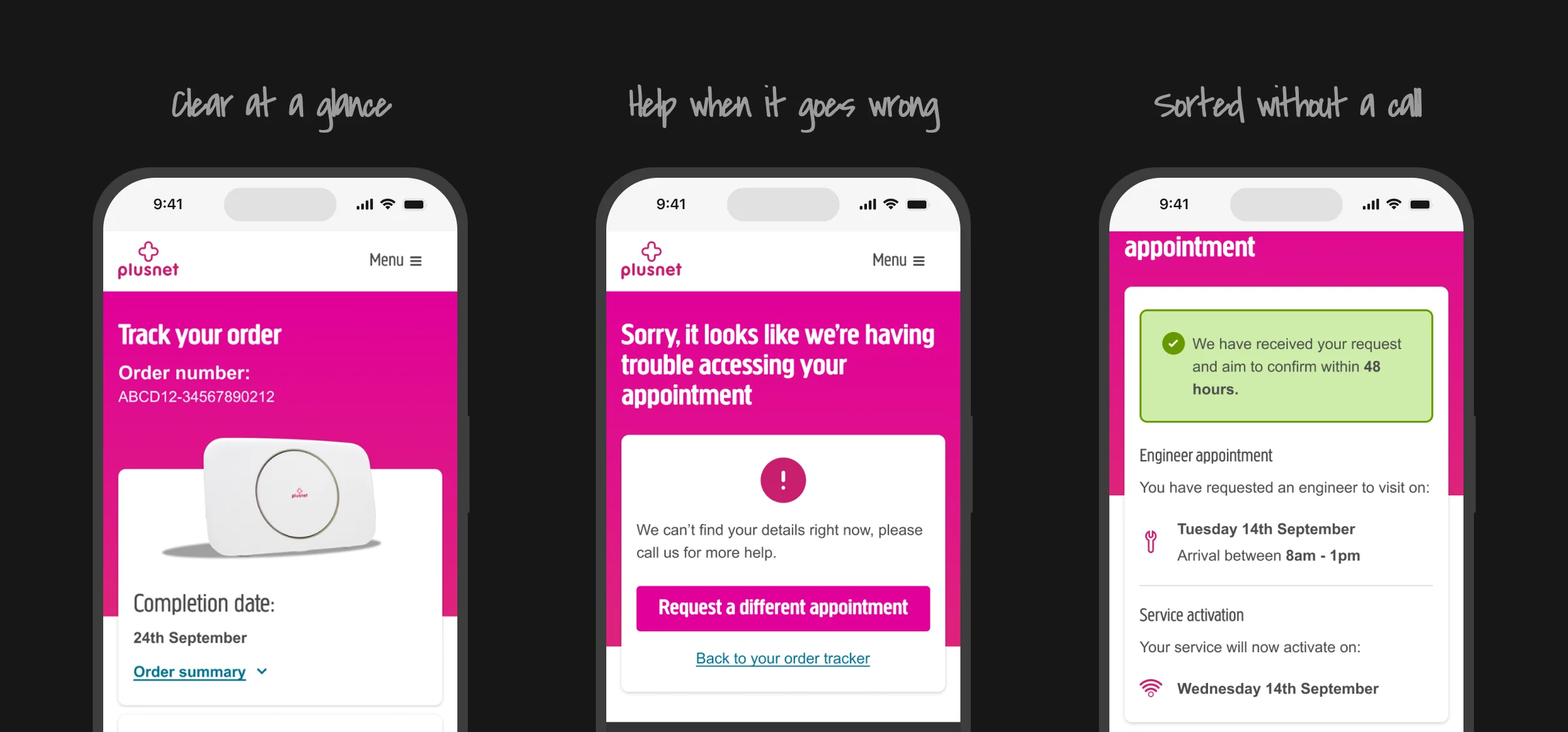
ChosenCompletion date and latest update at the top, with the full history one tap away. Clear at a glance, detailed when needed.
Fewer calls.
Clearer orders.
Within weeks.
Plusnet launched the new tracker as an 80/20 A/B test against the old one. Calls to the call centre dropped by 38% within weeks, with real-time updates on engineer visits, router delivery and go-live dates, and a clear next step when something goes wrong.
What I learned
- Unhappy paths are when people call
- Plain words beat system steps
- Call centre agents know the real questions
What I’d do next
- Use the new reporting to keep refining
- Add the features held back from the MVP
- Let customers rebook engineers themselves
“On the order tracker, Stefan was always open to new ideas, but challenged them pragmatically wherever it mattered for our customers.”
 Paul Scott
Product Manager @ Plusnet
Paul Scott
Product Manager @ Plusnet
See more of my work
Loop Multi-brand Design System
Rebuilt EE's design system to power BT, EE and Plusnet from one foundation, now used by over 650 people at BT Group and reaching 25 million customers.
Loop Figma Debug Tool
Gives designers a one-click way to spot mistakes in their files before developers do, now used by over 350 people a month across BT, EE and Plusnet.
Let’s talk about what’s next...
Or we can talk video games, golf or skateboarding :)
Video description
Stefan Adams: The S-N of Stefan A hand-drawn animation, set to music, that spells out my name one letter at a time, each with something that says a bit about me.
- S is for skating
- T is for making tea 24/7 for my wife - never finishes!!!
- E is for easy going… unless there’s jellyfish
- F is for making food (mostly hot Mexican food)
- A is for Apple
- N is for never too many shoes!!!
The end. The whole thing by Stefan Adams.